

Charcoal Sketch Generator
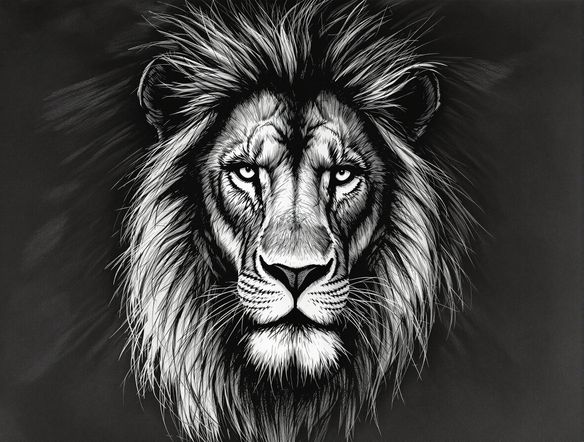
Transform your photos into stunning charcoal art with our AI charcoal sketch tool. Effortlessly create realistic charcoal drawings and explore the beauty of charcoal art generator capabilities.
No payment or credit card required.
As seen in








Transform Photos Instantly
Effortless Charcoal Masterpieces
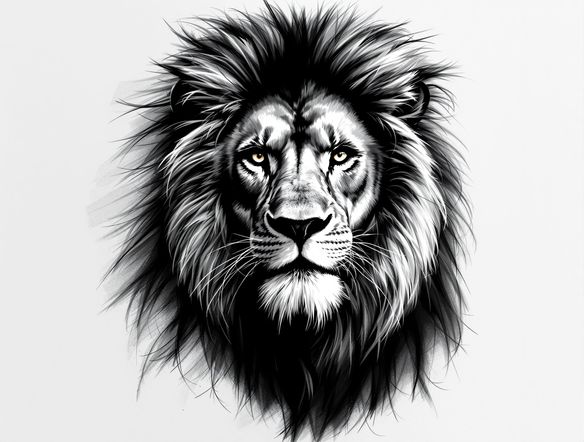
Bring your photos to life with the artistry of charcoal. Our intuitive tool lets you generate charcoal drawings from any image, applying a realistic digital charcoal filter with just a few clicks. Perfect for artists and enthusiasts looking to explore the timeless appeal of charcoal.
Create Realistic Charcoal Art
Step 1
Input Your Image or Prompt
Upload your desired photo or provide a text prompt describing the scene you want to transform. Be specific about the subject, lighting, and any particular details you wish to emphasize in the charcoal sketch.
Step 2
Generate Your Charcoal Sketch
Click the 'Generate Charcoal Sketch' button. Our AI will meticulously analyze your input and render a unique, realistic charcoal drawing, capturing the essence and texture of traditional charcoal art.
Step 3
Download and Share Your Art
Once your charcoal sketch is ready, you can download it in high resolution to use as you please. Share your stunning charcoal creation with friends or on social media to showcase your unique AI-generated artwork!
Realistic Art, Digitally
Your Online Charcoal Studio
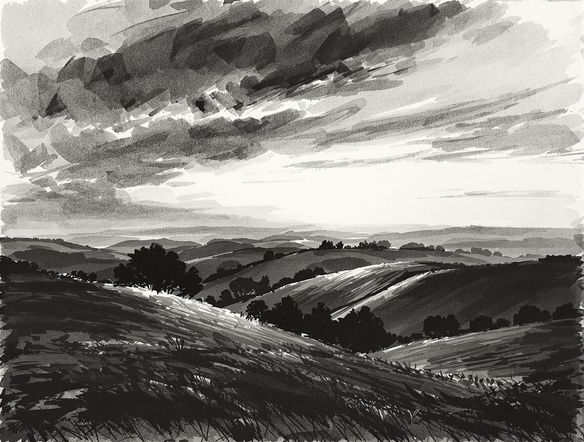
Discover the power of a professional charcoal effect photo editor right in your browser. Our platform makes it simple to achieve stunning charcoal art online, offering a seamless way to convert your photographs into beautiful, hand-drawn charcoal sketches. Experiment with depth and texture.
Need inspiration?
Check out some of the top creations made by the NightCafe community.







Related Tools
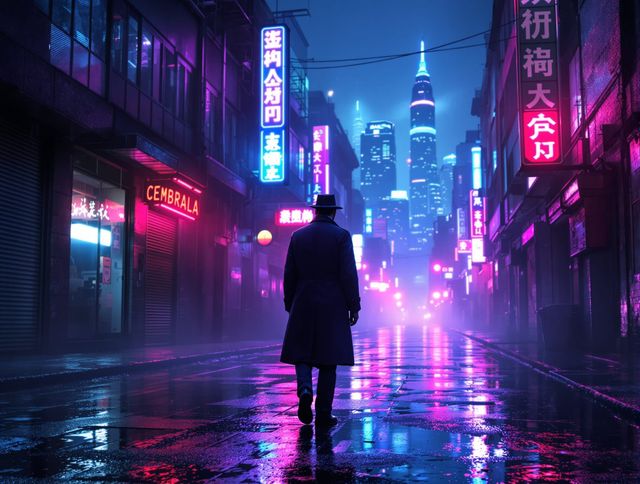
Neon Cyber Noir Generator
Dive into the shadows with our Neon Cyber Noir AI generator. Craft striking cyberpunk noir visuals, perfect for artists and storytellers seeking atmospheric, futuristic art.
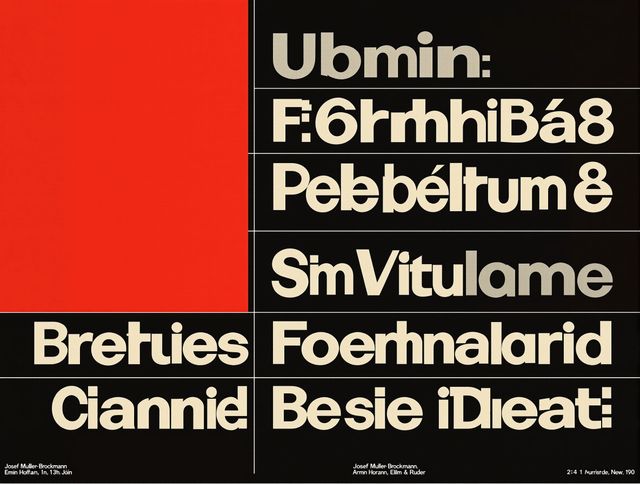
Swiss Style Graphic Generator
Effortlessly create striking Swiss Style graphic design with our AI generator. Ideal for posters, layouts, and branding, it's your go-to International Typographic Style generator.
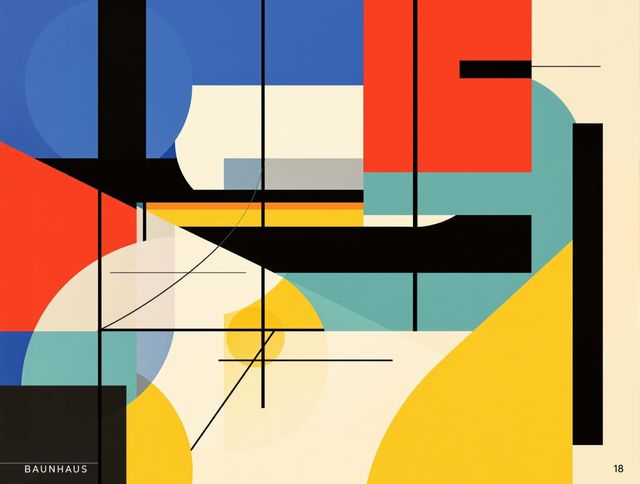
Bauhaus Poster Design Generator
Explore the iconic Bauhaus aesthetic with our AI Bauhaus design tool. Effortlessly generate unique Bauhaus posters, combining geometric shapes and bold colors for striking visual impact.
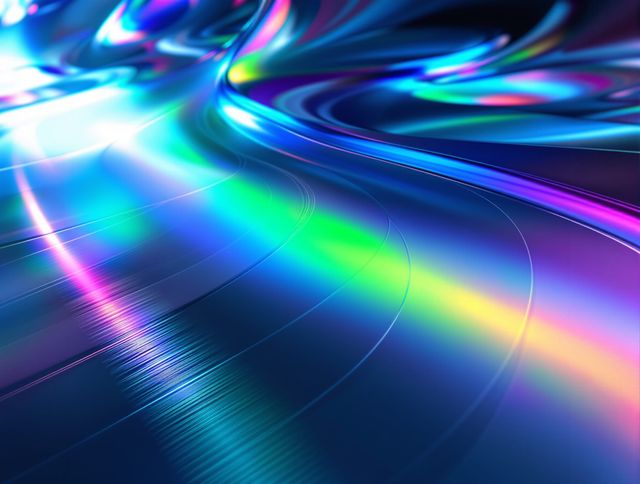
Holographic Gloss Finish Generator
Instantly apply a stunning holographic gloss finish to your designs. Our AI-powered holographic effect generator creates vibrant, eye-catching visuals with a professional glossy finish.
Frequently Asked Questions
Frequently Asked Questions About the AI Charcoal Sketch Generator
How does the AI Charcoal Sketch Generator work?
Our AI Charcoal Sketch Generator uses advanced algorithms to analyze your uploaded photo and apply a realistic digital charcoal filter. It mimics the depth, texture, and shading of traditional charcoal drawings, transforming your image with just a few clicks.
What kind of photos work best with the Charcoal Sketch Generator?
While the tool is versatile, photos with good contrast and clear subjects tend to produce the most striking charcoal sketches. Portraits, landscapes, and still life images often yield excellent results. Experiment with different types of photos to see what you like best!
Can I adjust the intensity or style of the charcoal effect?
Yes, you can fine-tune the charcoal effect to achieve your desired look. Options may include adjusting the darkness, the charcoal texture, or the overall stroke style. Explore the settings to find the perfect balance for your artwork.
Is the generated charcoal art suitable for printing?
Absolutely! The charcoal sketches generated by our AI are high-resolution and can be printed to showcase the realistic charcoal effect. You can create stunning physical pieces from your digital creations.
How can I get the most realistic charcoal drawing from my photo?
To achieve the most realistic charcoal drawing, start with a high-quality source image that has good lighting and detail. Experiment with different settings within the tool, such as adjusting contrast or the sharpness of the charcoal strokes. Sometimes, a simple, well-composed photo will yield the best results.