

AI Clown Generator: Create Whimsical Or Terrifying Clowns
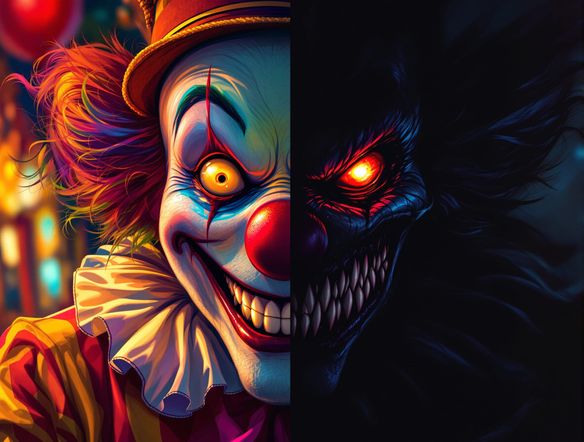
Unleash your creativity with our AI Clown Generator! This ai clown creator crafts everything from delightful circus performers to unsettling creepy clown art, bringing any clown vision to life.
No payment or credit card required.
As seen in








Craft Unique Clown Characters
How To Design Your Own Circus Clowns
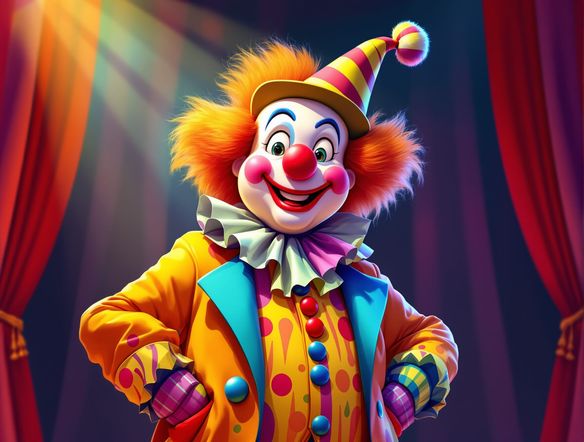
Dive into the vibrant world of the circus and design your own unforgettable characters. Our AI Clown Generator acts as your personal circus clown design maker, allowing you to experiment with dazzling costumes, exaggerated features, and playful expressions to create the perfect performer for any big top fantasy.
Create Your Own Clown Masterpiece
Step 1
Describe Your Clown
Describe the clown you envision! Be specific about their costume, expression, mood (happy, sad, scary), and any background elements. For example, try "a joyful circus clown with a bright red nose and oversized shoes, juggling colorful balls" or "a creepy clown with a sinister smile and tattered clothes, standing in a dark alley."
Step 2
Generate Your Clown Art
Once your prompt is ready, hit the 'Generate' button. Our AI will bring your clown concept to life, creating a unique image based on your description. You can adjust the prompt and regenerate if you want to explore different variations.
Step 3
Download or Share Your Clown
Found the perfect clown? Download your creation in high resolution or share it with friends and fellow art enthusiasts. Show off your unique clown designs!
Capture Any Clown Emotion
Prompts For Happy, Sad, And Scary Clowns
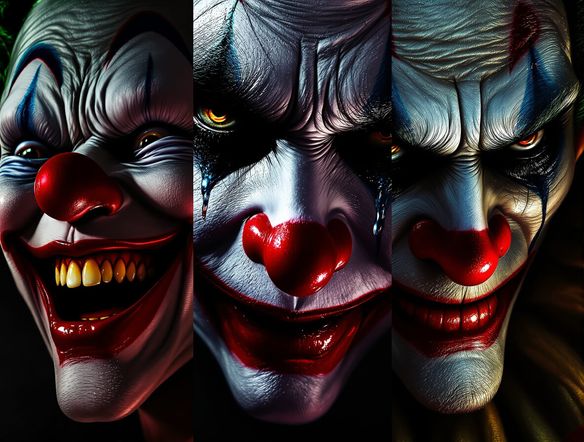
Explore the full spectrum of clown emotions with our versatile AI. Whether you're aiming for a heartwarming jester, a melancholic mime, or a chillingly eerie figure, our tool generates stunning joker style art. Easily switch between moods to find the perfect visual narrative for your clown creations.
Need inspiration?
Check out some of the top creations made by the NightCafe community.







Related Tools
Neon Cyber Noir Generator
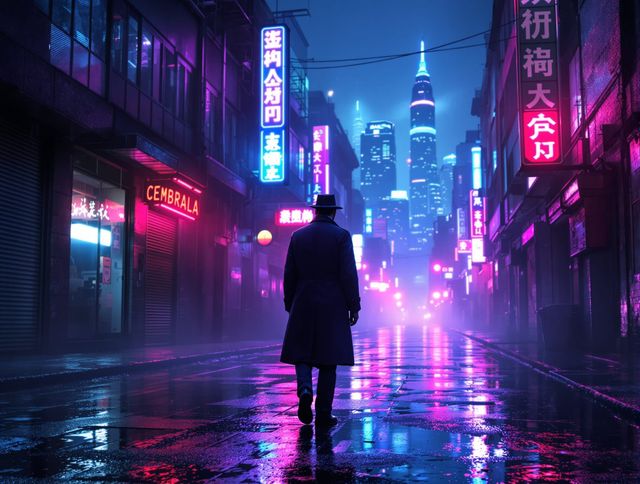
Dive into the shadows with our Neon Cyber Noir AI generator. Craft striking cyberpunk noir visuals, perfect for artists and storytellers seeking atmospheric, futuristic art.
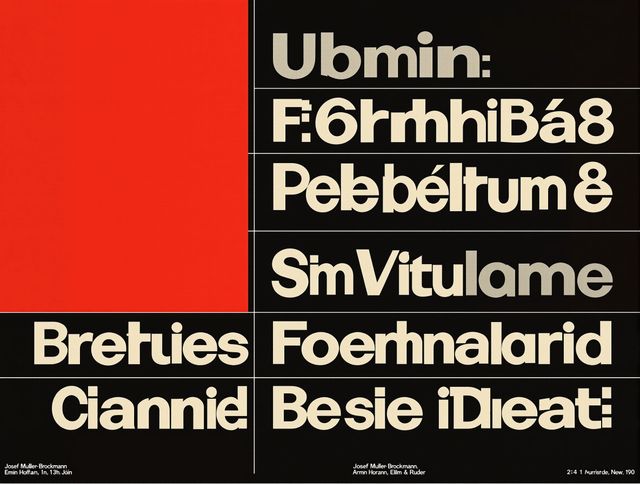
Swiss Style Graphic Generator
Effortlessly create striking Swiss Style graphic design with our AI generator. Ideal for posters, layouts, and branding, it's your go-to International Typographic Style generator.
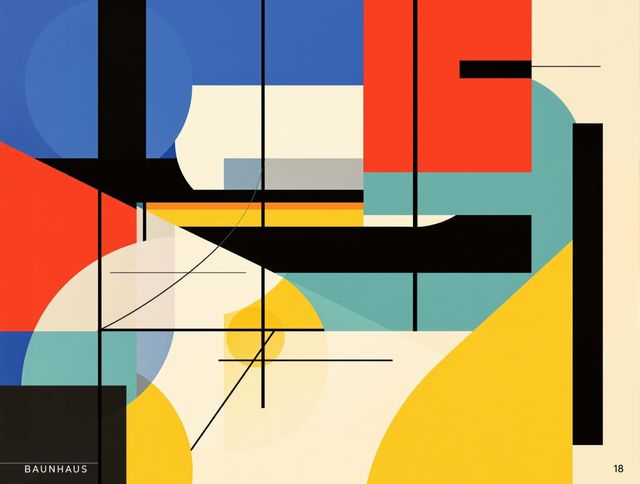
Bauhaus Poster Design Generator
Explore the iconic Bauhaus aesthetic with our AI Bauhaus design tool. Effortlessly generate unique Bauhaus posters, combining geometric shapes and bold colors for striking visual impact.
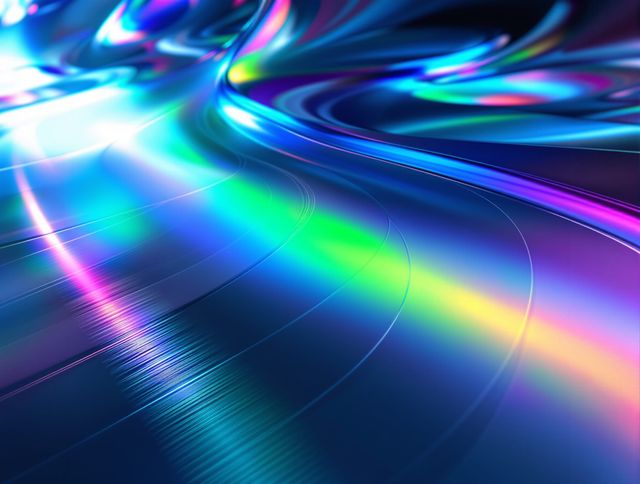
Holographic Gloss Finish Generator
Instantly apply a stunning holographic gloss finish to your designs. Our AI-powered holographic effect generator creates vibrant, eye-catching visuals with a professional glossy finish.
Frequently Asked Questions
Your Questions About the AI Clown Generator, Answered
How can I generate both whimsical and terrifying clowns?
To generate a range of clown styles, focus on descriptive keywords in your prompt. For whimsical clowns, use terms like 'joyful,' 'colorful,' 'playful,' 'circus performer,' and 'big top.' For terrifying clowns, incorporate words such as 'creepy,' 'eerie,' 'horror,' 'menacing,' 'unsettling,' and 'joker style art.' Experiment with different combinations to achieve your desired mood and aesthetic.
What kind of details can I include in my clown prompts?
You can include a wide array of details to customize your clown creations. Think about the costume (e.g., 'sparkling sequined suit,' 'oversized polka dot outfit'), facial features (e.g., 'exaggerated smile,' 'tearful eyes,' 'painted-on frown'), accessories (e.g., 'tiny hat,' 'oversized shoes,' 'balloon animals'), and the overall expression or emotion (e.g., 'happy jester,' 'melancholic mime,' 'chillingly eerie figure'). The more specific your prompt, the more tailored your clown will be.
Can I use the generated clown art for commercial purposes?
Yes, you are welcome to use the AI-generated clown art for commercial purposes, such as in marketing materials, merchandise, or personal branding. Please ensure you adhere to our Terms of Service for any usage guidelines. We encourage you to share your unique clown creations!
What if I don't like the first clown I generate?
If the initial output isn't quite what you envisioned, don't worry! You can easily refine your prompt and regenerate the image. Try tweaking specific words, adding new details, or changing the style keywords. Our tool is designed for iterative creativity, so keep experimenting until you create the perfect clown.