

AI Concept Art Generator: Rapidly Visualize Your Ideas
Unleash your creativity with our AI Concept Art Generator. Use this ai concept art creator and character design generator to rapidly visualize unique ideas and bring your projects to life.
No payment or credit card required.
As seen in








Ignite Your Imagination
From Character Sketches To World-building: A Tool For Creators
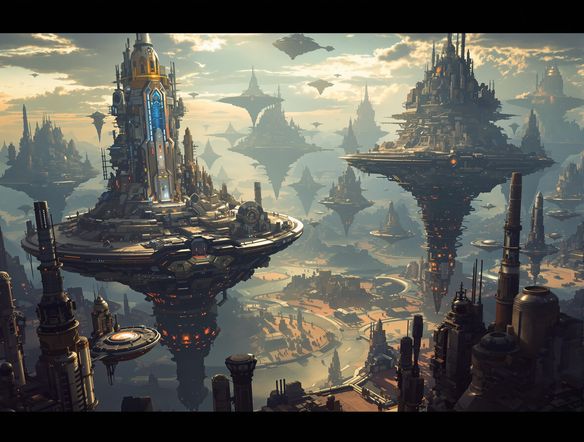
Transform simple character sketches into fully realized worlds. Our AI concept art generator excels at creating detailed environment concept art and immersive sci-fi concept art, providing a comprehensive toolkit for artists and designers to explore vast creative landscapes.
How to Use AI Concept Art Generator
Step 1
Describe Your Concept
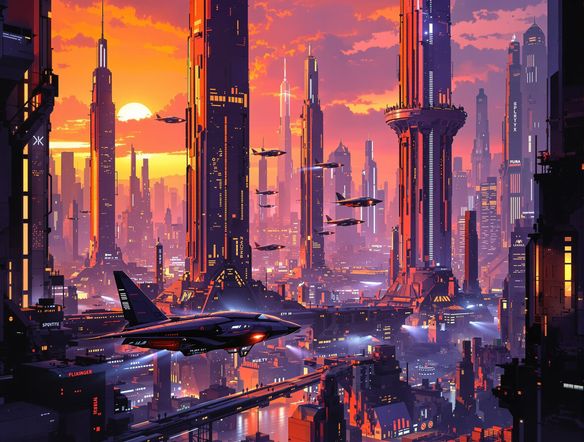
Begin by entering a detailed description of the concept art you envision in the prompt field. Be specific about the environment, characters, style, and mood you're aiming for. For instance, try prompts like 'A bustling futuristic city at sunset with flying vehicles' or 'An ancient, overgrown forest temple with mystical glowing runes.' The more detail you provide, the better the AI can interpret your vision.
Step 2
Generate Your Concept Art
After crafting your prompt, click the 'Generate Concept Art' button. The AI will process your input and create unique concept art based on your description. This may take a few moments, during which you can observe the AI's creative process.
Step 3
Download or Share Your Artwork
Once the concept art is generated, review the results. You can download your favorite creations in high resolution or share them with your team or the community for feedback. Experiment with variations by tweaking your prompt and regenerating until you achieve the perfect concept.
Accelerate Your Creativity
How To Use AI For Concept Art And Ideation
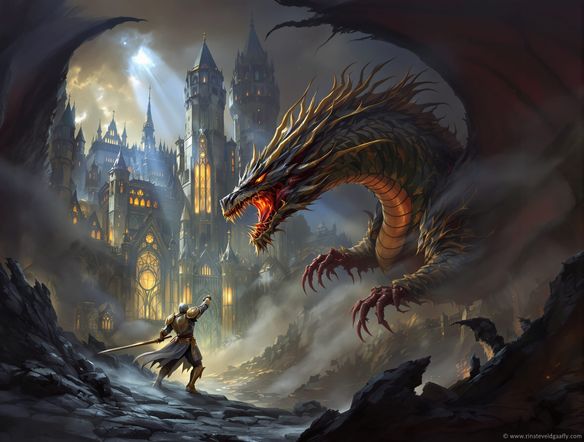
Effortlessly brainstorm and refine your artistic visions. Use this intuitive fantasy concept art maker to generate diverse character designs, creature concepts, and atmospheric scenes, streamlining your ideation process and bringing unique projects to life with speed and precision.
Need inspiration?
Check out some of the top creations made by the NightCafe community.







Related Tools
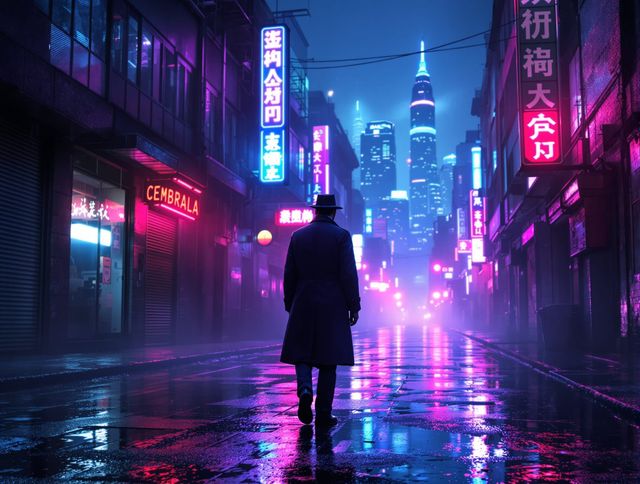
Neon Cyber Noir Generator
Dive into the shadows with our Neon Cyber Noir AI generator. Craft striking cyberpunk noir visuals, perfect for artists and storytellers seeking atmospheric, futuristic art.
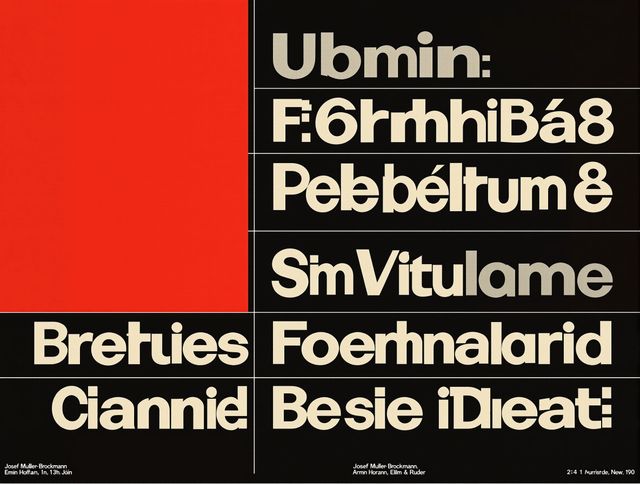
Swiss Style Graphic Generator
Effortlessly create striking Swiss Style graphic design with our AI generator. Ideal for posters, layouts, and branding, it's your go-to International Typographic Style generator.
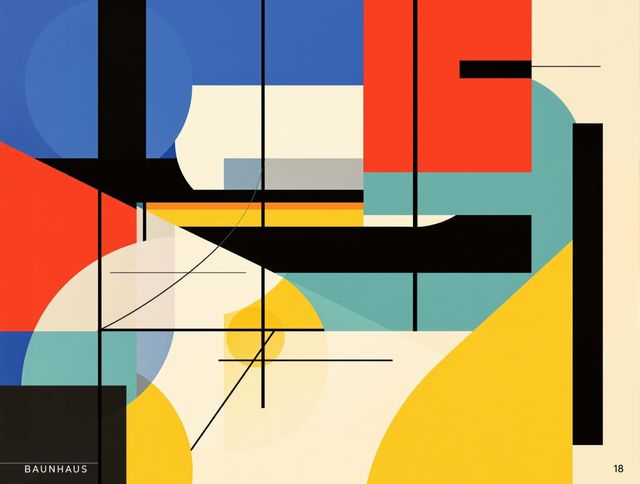
Bauhaus Poster Design Generator
Explore the iconic Bauhaus aesthetic with our AI Bauhaus design tool. Effortlessly generate unique Bauhaus posters, combining geometric shapes and bold colors for striking visual impact.
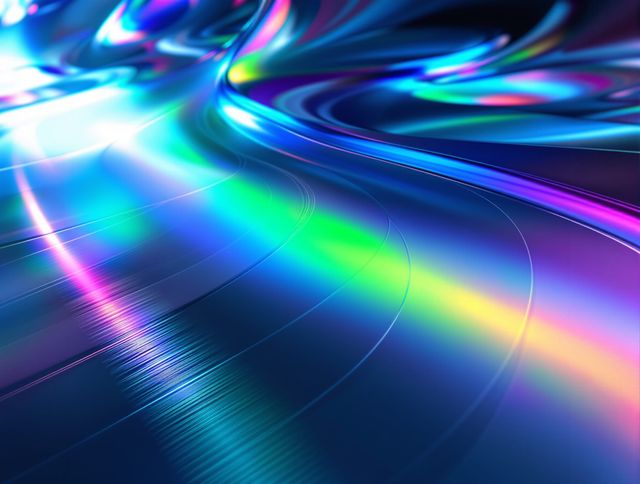
Holographic Gloss Finish Generator
Instantly apply a stunning holographic gloss finish to your designs. Our AI-powered holographic effect generator creates vibrant, eye-catching visuals with a professional glossy finish.
Frequently Asked Questions
Your Questions About the AI Concept Art Generator Answered
How can I get the best results from the AI Concept Art Generator?
To achieve optimal results, be descriptive in your prompts. Specify the genre (e.g., sci-fi, fantasy), mood, key elements, color palette, and desired artistic style. For character design, describe their appearance, attire, and any defining features. For environments, detail the setting, lighting, and atmosphere.
Can I use the AI Concept Art Generator for different types of concept art?
Absolutely! This generator is versatile and excels at creating various types of concept art, including character designs, creature concepts, environment art, and atmospheric scenes. You can tailor your prompts to explore different genres like sci-fi, fantasy, or any other style you envision.
What if I'm not happy with the initial concept art generated?
If the initial results aren't quite what you're looking for, try refining your prompt. Add more specific details, try different keywords, or adjust the style parameters. You can also regenerate the art multiple times to explore different variations based on your original prompt.
Can I use the generated concept art for my personal or commercial projects?
Yes, you are welcome to use the concept art generated with our tool for your personal projects. For commercial use, please refer to our Terms of Service for detailed information regarding usage rights and attribution.