

Digital Charcoal Sketch Generator
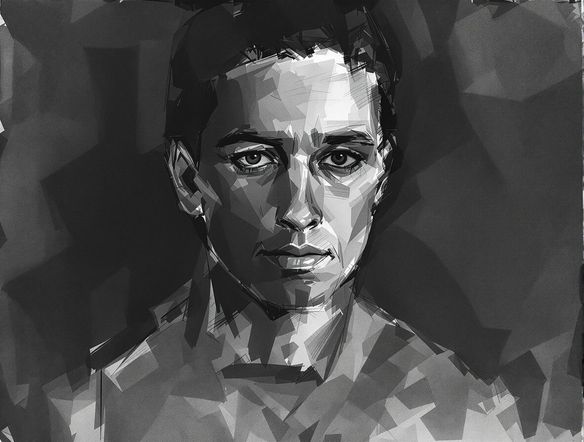
Effortlessly create captivating digital charcoal sketches with our AI. Generate unique charcoal drawings online, transforming your photos into artistic masterpieces with realistic texture and depth.
No payment or credit card required.
As seen in








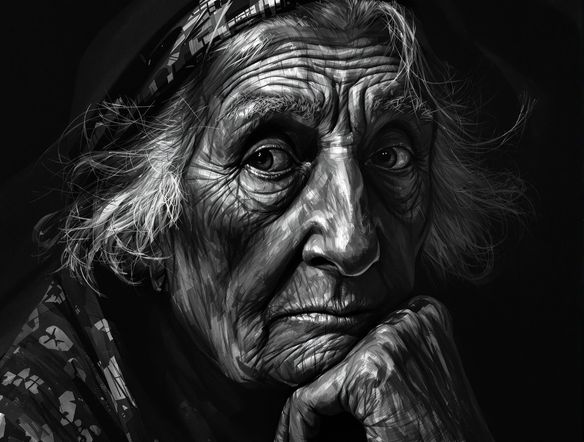
Capture Emotion With Depth
Master Realistic Charcoal Portraits
Transform your photos into stunningly realistic charcoal portraits with our advanced AI. This AI charcoal art generator provides unparalleled control, allowing you to create digital charcoal portraits that exude emotion and capture intricate details with authentic texture and shading.
Create Your Digital Charcoal Sketch
Step 1
Describe Your Vision
Start by describing the image you envision in the prompt box. Be specific about the subject, mood, and any particular details you'd like to see in the charcoal sketch. For example, try prompts like "a close-up portrait of an old man with deep wrinkles, dramatic lighting" or "a serene landscape with a lone tree, soft charcoal shading".
Step 2
Generate Your Sketch
After crafting your prompt, click the "Generate" button. Our AI will process your description and transform it into a unique digital charcoal sketch, complete with realistic textures and depth.
Step 3
Download and Share
Once your charcoal sketch is ready, you can download it in high resolution to use as you please. Share your artistic creation with friends or on social media to showcase the power of AI in art!
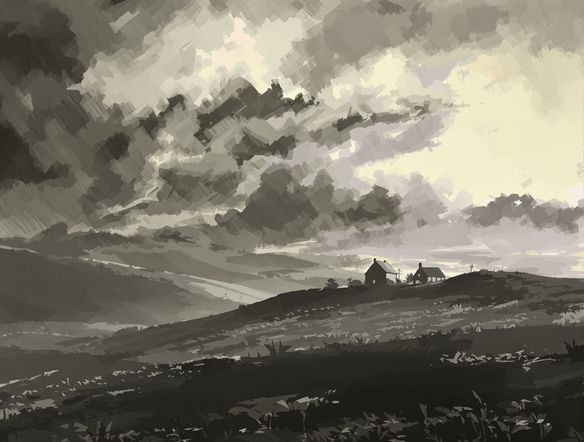
Artistic Transformation Made Easy
Effortless Charcoal Effect Digital Art
Discover the ease of our virtual charcoal sketch tool to imbue your images with a classic artistic flair. Achieve a beautiful charcoal effect digital art with just a few clicks, perfect for adding a sophisticated, hand-drawn aesthetic to any photograph.
Need inspiration?
Check out some of the top creations made by the NightCafe community.







Related Tools
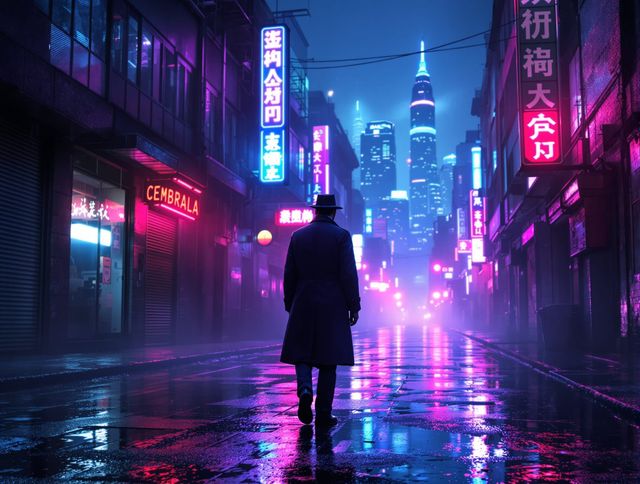
Neon Cyber Noir Generator
Dive into the shadows with our Neon Cyber Noir AI generator. Craft striking cyberpunk noir visuals, perfect for artists and storytellers seeking atmospheric, futuristic art.
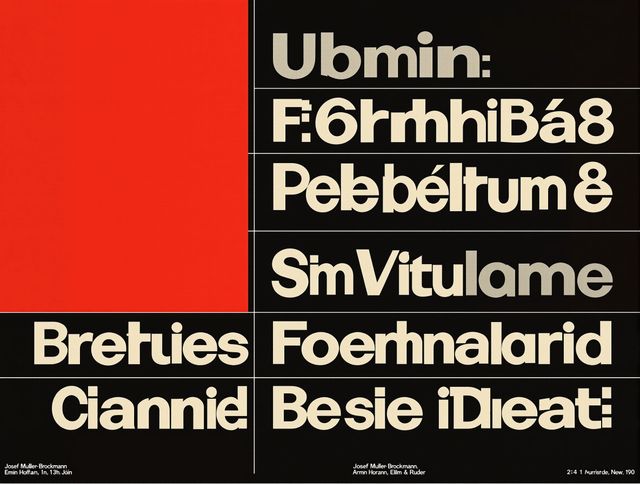
Swiss Style Graphic Generator
Effortlessly create striking Swiss Style graphic design with our AI generator. Ideal for posters, layouts, and branding, it's your go-to International Typographic Style generator.
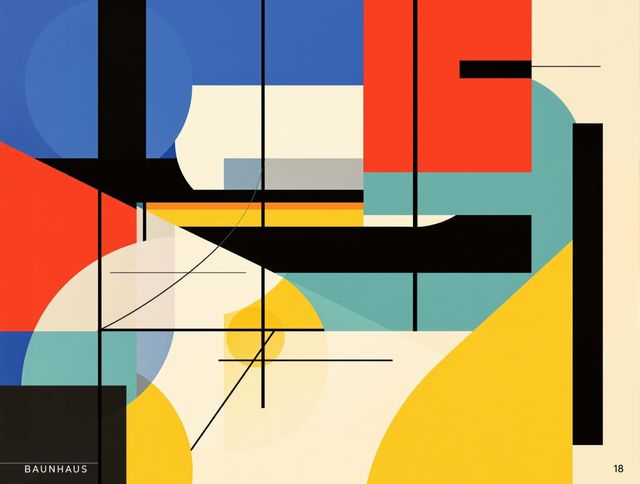
Bauhaus Poster Design Generator
Explore the iconic Bauhaus aesthetic with our AI Bauhaus design tool. Effortlessly generate unique Bauhaus posters, combining geometric shapes and bold colors for striking visual impact.
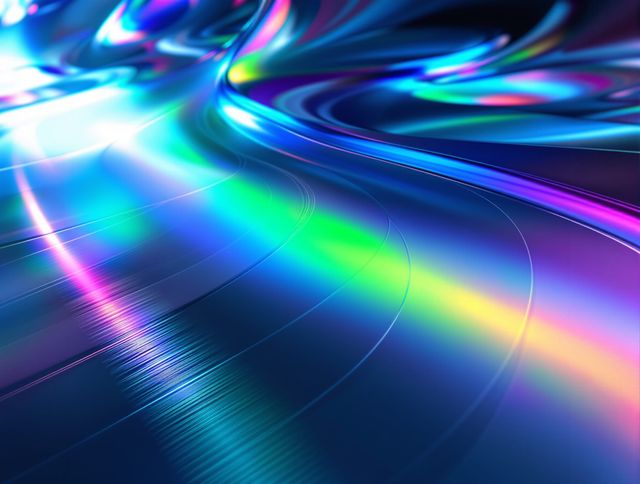
Holographic Gloss Finish Generator
Instantly apply a stunning holographic gloss finish to your designs. Our AI-powered holographic effect generator creates vibrant, eye-catching visuals with a professional glossy finish.
Frequently Asked Questions
Your Questions About Digital Charcoal Sketch AI, Answered
How does the Digital Charcoal Sketch AI transform my photos?
Our AI analyzes your uploaded photo, identifying key features, textures, and tonal values. It then applies a sophisticated algorithm to replicate the distinct look of traditional charcoal, including realistic texture, shading, and depth, creating a unique digital charcoal sketch.
What makes the texture and shading in these digital charcoal sketches realistic?
The AI is trained on a vast dataset of real charcoal artwork, allowing it to understand and replicate the nuanced grain of charcoal on paper, the soft blending of tones, and the sharp contrast achievable with charcoal. This ensures your digital creations have an authentic, hand-drawn feel.
Can I use this tool to create portraits specifically?
Absolutely. The Digital Charcoal Sketch AI excels at creating realistic charcoal portraits. It captures intricate details, emotional expressions, and subtle shading, making it ideal for transforming personal photos into artistic, emotive charcoal portraits.
Is there a way to control the artistic style or intensity of the charcoal effect?
While the AI aims for a realistic charcoal look, you can influence the outcome through your initial prompt and by experimenting with different input images. Some underlying models within NightCafe may offer further stylistic controls, allowing for variations in texture intensity and overall artistic interpretation.