

Double Exposure Portrait Generator
Generate stunning AI double exposure portraits with our intuitive tool. Effortlessly create unique double exposure art by blending two images into one captivating visual masterpiece.
No payment or credit card required.
As seen in








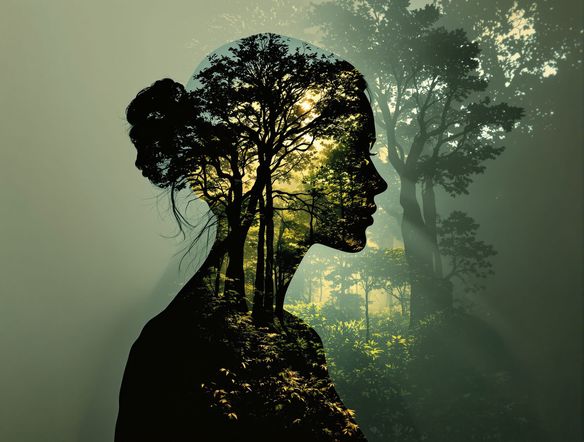
Artistic Fusion Made Simple
Craft Ethereal Double Exposures
Dive into the realm of artistic expression with our advanced AI. This surreal portrait generator allows you to seamlessly blend two distinct images, creating dreamlike compositions. Perfect for artists and designers seeking a unique multiple exposure photo editor to elevate their work with captivating visual narratives.
Create Your Unique Double Exposure Portrait
Step 1
Describe Your Vision
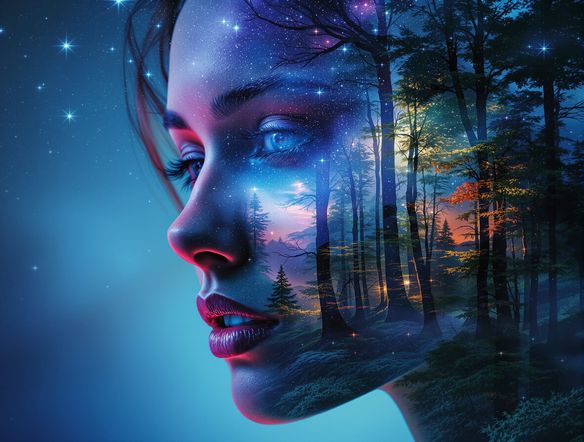
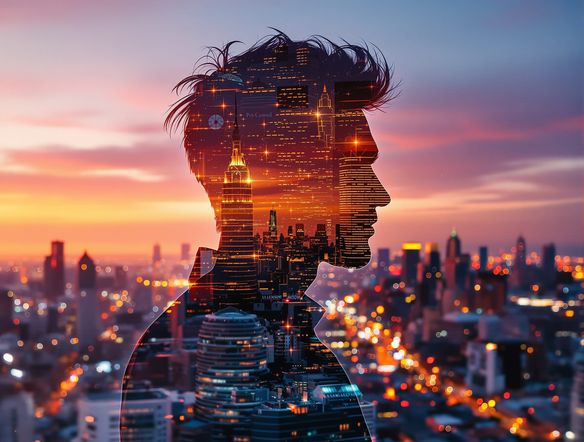
Start by entering a detailed prompt describing the primary portrait and the secondary image you want to blend. For example, "A serene portrait of a woman with a galaxy superimposed" or "A man's silhouette filled with a lush forest scene." The more descriptive you are, the better the AI can interpret your vision.
Step 2
Generate Your Portrait
Once your prompt is ready, click the "Generate" button. The AI will then process your request, intelligently blending the elements described in your prompt to create a unique double exposure portrait.
Step 3
Download and Share
After the generation is complete, review your stunning double exposure portrait. You can then download the image in high resolution or share it with friends and on social media to showcase your artistic creation.
Innovative Photo Merging
Unlock Creative Blending Possibilities
Experience the magic of our AI-powered tool that effortlessly applies a digital double exposure effect. Use our intuitive platform to blend photos AI-style, merging portraits with landscapes or abstract elements. Transform ordinary images into extraordinary visual art with just a few clicks, revealing hidden depths and artistic flair.
Need inspiration?
Check out some of the top creations made by the NightCafe community.







Related Tools
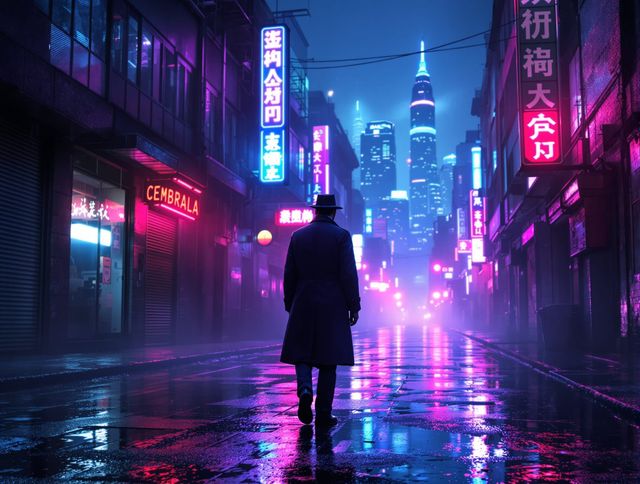
Neon Cyber Noir Generator
Dive into the shadows with our Neon Cyber Noir AI generator. Craft striking cyberpunk noir visuals, perfect for artists and storytellers seeking atmospheric, futuristic art.
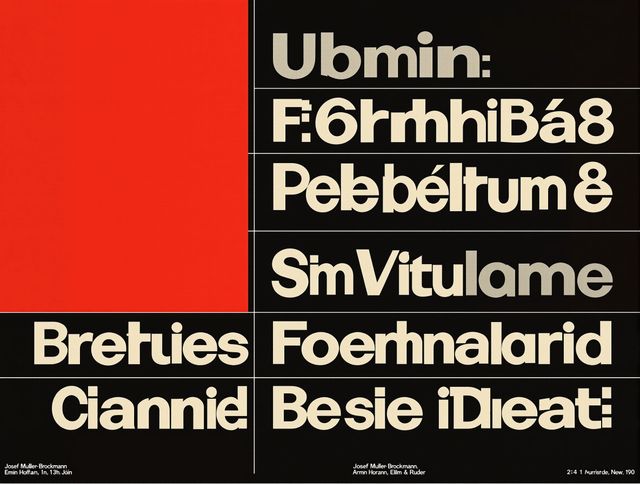
Swiss Style Graphic Generator
Effortlessly create striking Swiss Style graphic design with our AI generator. Ideal for posters, layouts, and branding, it's your go-to International Typographic Style generator.
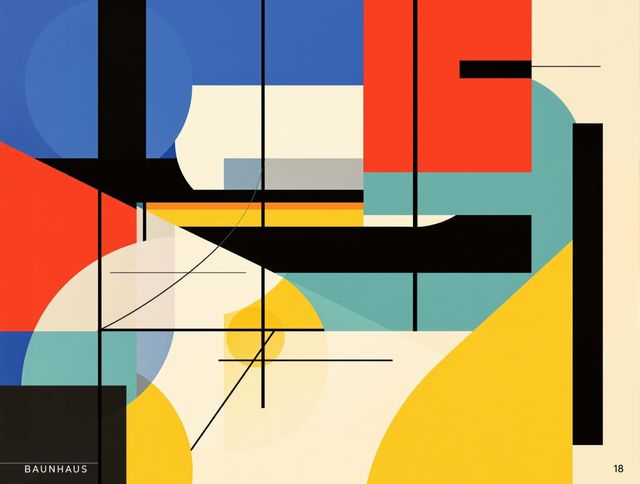
Bauhaus Poster Design Generator
Explore the iconic Bauhaus aesthetic with our AI Bauhaus design tool. Effortlessly generate unique Bauhaus posters, combining geometric shapes and bold colors for striking visual impact.
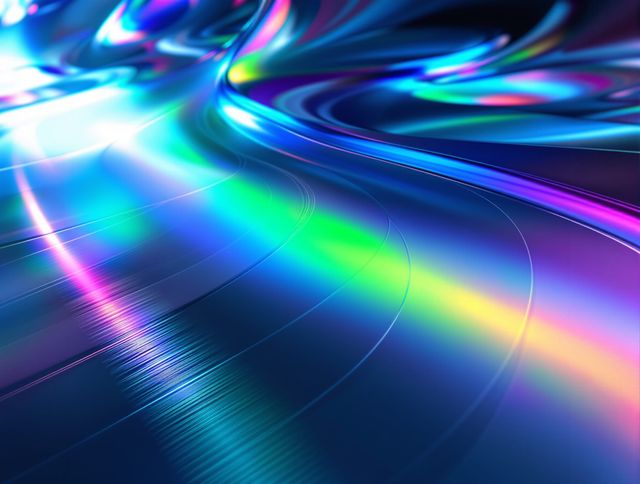
Holographic Gloss Finish Generator
Instantly apply a stunning holographic gloss finish to your designs. Our AI-powered holographic effect generator creates vibrant, eye-catching visuals with a professional glossy finish.
Frequently Asked Questions
Frequently Asked Questions About the AI Double Exposure Portrait Generator
How does the AI Double Exposure Portrait Generator work?
Our AI Double Exposure Portrait Generator uses advanced algorithms to seamlessly blend two images you provide. You'll typically upload a base image (like a portrait) and a secondary image (like a landscape or abstract pattern). The AI then merges them to create a unique double exposure effect, resulting in a captivating visual masterpiece.
What kind of images work best for double exposure portraits?
For the best results, use a clear portrait for your primary image and a visually interesting or textured image for your secondary. Landscapes, cityscapes, abstract patterns, or even subtle textures can create beautiful blends. Experiment with contrast and colors in both images to achieve different artistic effects.
Can I use this tool to create double exposure art for commercial projects?
Yes, the AI Double Exposure Portrait Generator is suitable for commercial projects. You can use the generated art for branding, marketing materials, or other commercial applications. Please refer to our Terms of Service for specific usage rights and attribution requirements.
What makes this tool different from a regular photo editor?
Unlike traditional photo editors that require manual layering and blending techniques, our AI Double Exposure Portrait Generator automates the complex process. It intelligently merges images to create a surreal and artistic double exposure effect, saving you time and producing unique results that might be difficult to achieve manually.