

Graphite Drawing Generator
Transform your ideas into stunning graphite drawings with our AI pencil sketch tool. Effortlessly create realistic pencil art and discover the power of AI-driven creativity.
No payment or credit card required.
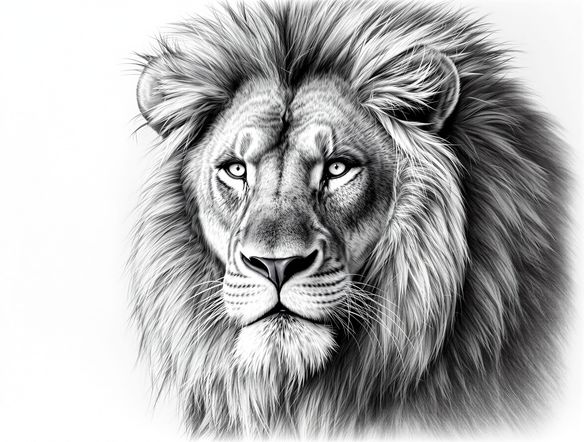
As seen in








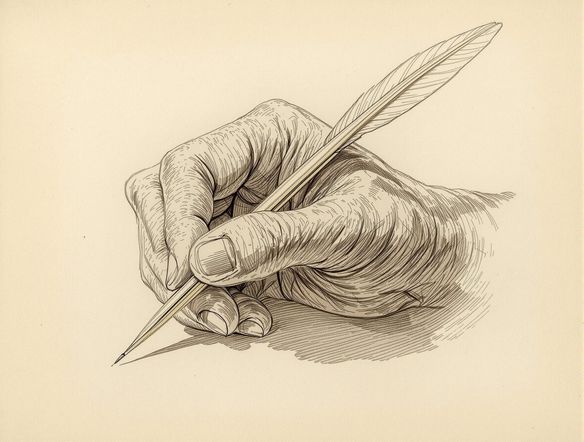
Effortless Pencil Mastery
Master Realistic Graphite Art
Dive into the world of traditional art with our advanced AI. Effortlessly create realistic graphite art, transforming your concepts into detailed pencil drawings online. Experience the nuance of shading and texture, all generated with cutting-edge technology for breathtaking results.
Create Realistic Pencil Sketches with AI
Step 1
Describe Your Graphite Drawing
Begin by entering a detailed description of the image you envision in the prompt field. Be specific about the subject, style, composition, and any particular artistic elements you'd like to see, such as lighting or texture, to guide the AI in creating your graphite drawing.
Step 2
Generate Your Pencil Sketch
After refining your prompt, click the 'Generate' button. The AI will process your request and begin creating a unique graphite drawing based on your detailed description, bringing your artistic vision to life.
Step 3
Download or Share Your Artwork
Once your graphite drawing is complete, you have the option to download the high-resolution image for your personal use or share it with the community to inspire other artists. Celebrate your AI-assisted creation!
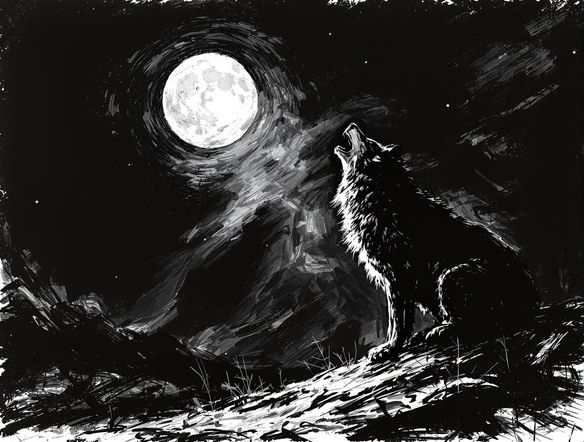
Dramatic Black & White
From Concept To Charcoal Sketch
Explore the dramatic potential of monochrome with our AI. Our charcoal drawing generator brings depth and emotion to your creations, perfect for striking black and white sketches AI can render. Capture the essence of your subject with bold lines and subtle smudges.
Need inspiration?
Check out some of the top creations made by the NightCafe community.







Related Tools
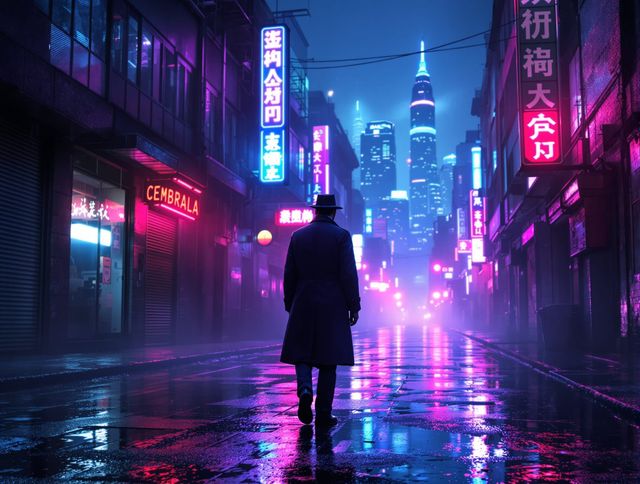
Neon Cyber Noir Generator
Dive into the shadows with our Neon Cyber Noir AI generator. Craft striking cyberpunk noir visuals, perfect for artists and storytellers seeking atmospheric, futuristic art.
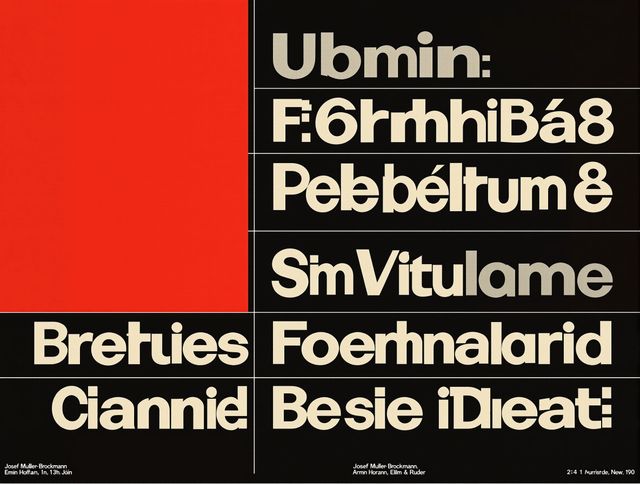
Swiss Style Graphic Generator
Effortlessly create striking Swiss Style graphic design with our AI generator. Ideal for posters, layouts, and branding, it's your go-to International Typographic Style generator.
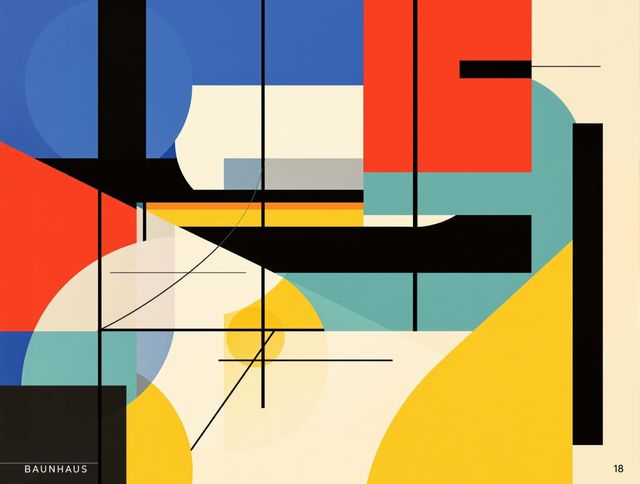
Bauhaus Poster Design Generator
Explore the iconic Bauhaus aesthetic with our AI Bauhaus design tool. Effortlessly generate unique Bauhaus posters, combining geometric shapes and bold colors for striking visual impact.
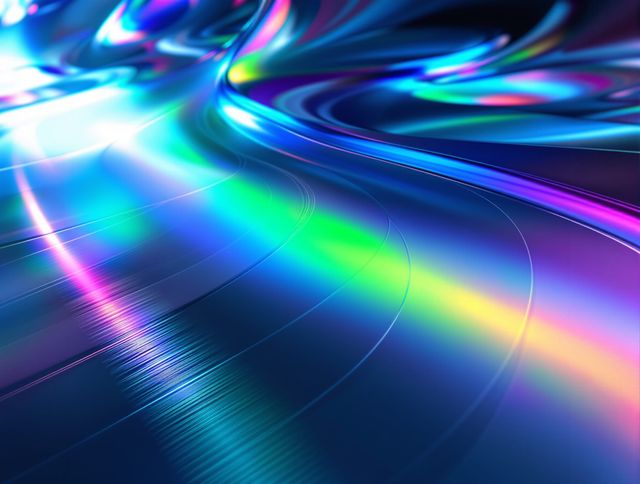
Holographic Gloss Finish Generator
Instantly apply a stunning holographic gloss finish to your designs. Our AI-powered holographic effect generator creates vibrant, eye-catching visuals with a professional glossy finish.
Frequently Asked Questions
Your Questions About the AI Graphite Drawing Generator Answered
How can I get the most realistic graphite drawing results?
To achieve the most realistic graphite drawings, focus on descriptive prompts that detail the subject, lighting, and desired level of detail. Mention specific textures, shading techniques like cross-hatching or smudging, and the overall mood you wish to convey. For example, 'A hyperrealistic portrait of an old man with deep wrinkles, dramatic chiaroscuro lighting, fine graphite pencil strokes, soft smudging on the cheeks'.
What kind of subjects work best with the AI Graphite Drawing Generator?
This tool excels with subjects that benefit from the nuanced shading and texture of graphite. Portraits, still lifes, landscapes with strong light and shadow, and detailed objects like old books or intricate machinery are excellent choices. The AI can capture the subtle tones and lines that define these subjects.
Can I control the style of the graphite sketch, like the thickness of the lines or the darkness of the shading?
While the AI aims for realistic graphite, you can influence the style through your prompts. Use terms like 'fine lines,' 'bold strokes,' 'heavy shading,' 'light sketching,' or 'charcoal effect' to guide the AI. Experimenting with different phrasing will help you achieve your desired aesthetic, from delicate sketches to dramatic, dark renderings.
Are there any specific settings or models I should use for graphite drawings?
Our AI Graphite Drawing Generator is optimized to produce realistic pencil sketches. While you can often experiment with different available models on NightCafe, this tool is specifically tuned for graphite and charcoal aesthetics. Focus on refining your text prompts to guide the AI towards the exact look and feel you desire for your pencil art.