

Light Field Photography Look Generator
Explore the magic of light field photography with our AI generator. Effortlessly create stunning depth-of-field effects and refocus images with this advanced plenoptic camera AI tool.
No payment or credit card required.
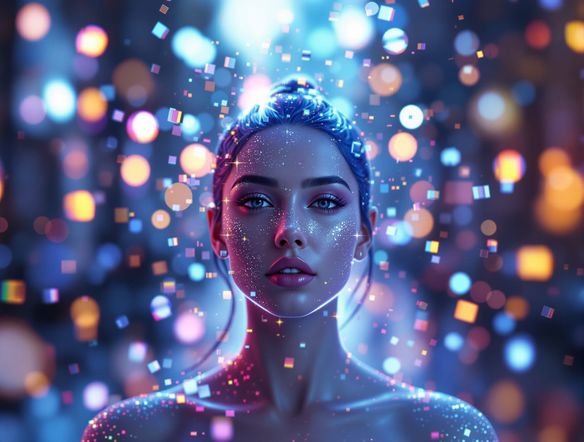
As seen in








Unlock Advanced Depth Control
Master The Lytro Look With AI
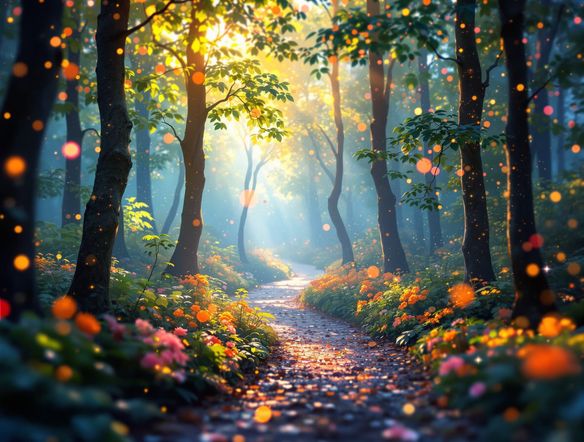
Recreate the iconic Lytro look with our AI. Seamlessly generate images with adjustable depth of field, allowing you to shift focus after the shot. This computational photography art tool empowers you to experiment with focus and perspective like never before, turning ordinary photos into extraordinary visual narratives.
Create Stunning Light Field Photos
Step 1
Describe Your Scene
Begin by describing the scene or subject you envision for your light field photograph. Be specific about the lighting, mood, and any key elements you want the AI to emphasize. For example, you could describe 'a serene forest path with dappled sunlight' or 'a bustling city street at twilight with neon signs'.
Step 2
Generate and Refine Your Image
Once your prompt is ready, click the 'Generate' button. The AI will process your description and create a unique light field image. You'll then have the option to adjust the focus and depth of field to achieve your desired artistic effect.
Step 3
Download and Share Your Masterpiece
After you've perfected the focus and depth of field, you can download your high-resolution light field image. Share your captivating creations with friends, family, or on social media to showcase the magic of computational photography!
Dynamic Refocusing Made Easy
Transform Images With Post-capture Focus
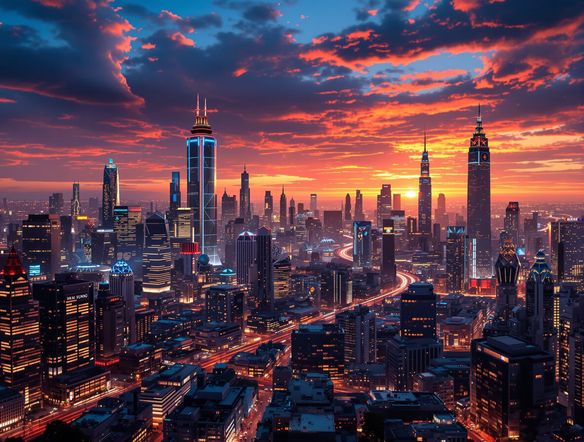
Experience the future of photography with our depth map effect generator. Our AI enables you to easily alter focus points in your images after they've been taken, creating stunning post-capture focus art. Explore unique visual compositions and add a professional, artistic touch to your photography with this intuitive tool.
Need inspiration?
Check out some of the top creations made by the NightCafe community.







Related Tools
Neon Cyber Noir Generator
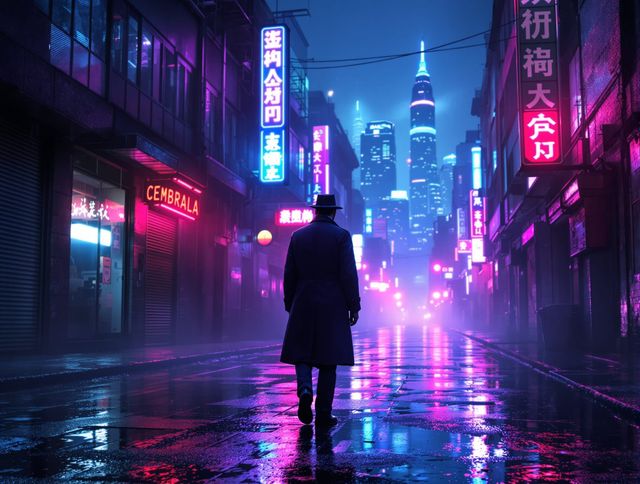
Dive into the shadows with our Neon Cyber Noir AI generator. Craft striking cyberpunk noir visuals, perfect for artists and storytellers seeking atmospheric, futuristic art.
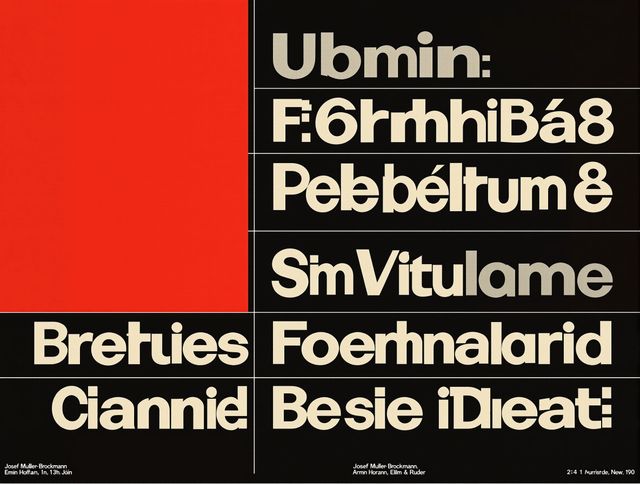
Swiss Style Graphic Generator
Effortlessly create striking Swiss Style graphic design with our AI generator. Ideal for posters, layouts, and branding, it's your go-to International Typographic Style generator.
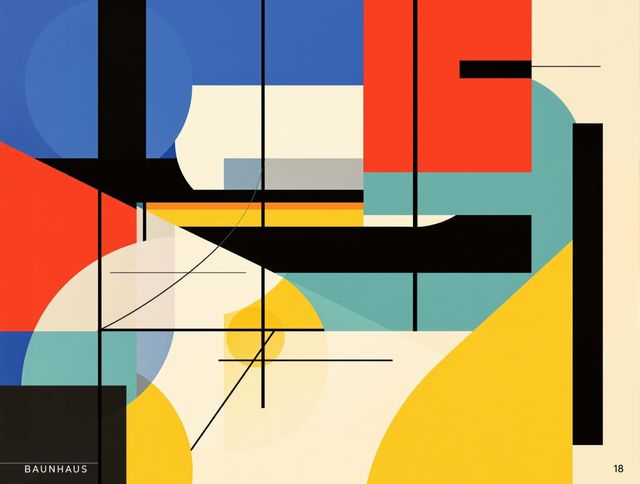
Bauhaus Poster Design Generator
Explore the iconic Bauhaus aesthetic with our AI Bauhaus design tool. Effortlessly generate unique Bauhaus posters, combining geometric shapes and bold colors for striking visual impact.
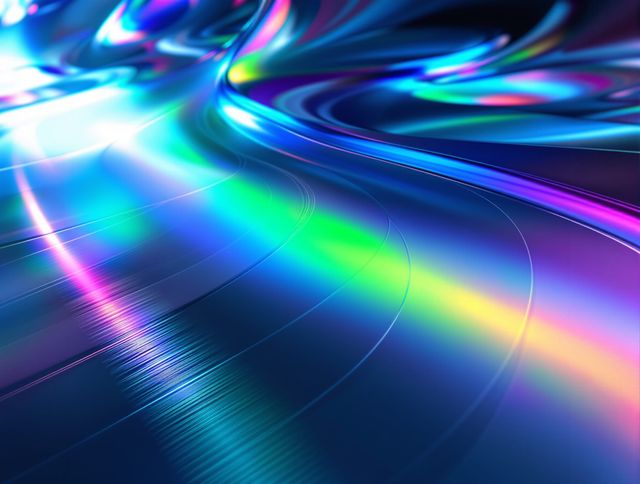
Holographic Gloss Finish Generator
Instantly apply a stunning holographic gloss finish to your designs. Our AI-powered holographic effect generator creates vibrant, eye-catching visuals with a professional glossy finish.
Frequently Asked Questions
Frequently Asked Questions about the AI Light Field Photography Look Generator
What exactly is 'light field photography' and how does this tool simulate it?
Light field photography, also known as plenoptic photography, captures information about the light rays in a scene, not just their intensity and color. This allows for effects like refocusing an image after it's taken. Our AI simulates this by generating images with inherent depth information, enabling you to adjust the focus point post-creation, mimicking the capabilities of a light field camera.
How can I best use the AI Light Field Photography Look Generator to achieve a specific depth-of-field effect?
To achieve a specific depth-of-field effect, start by providing a detailed prompt that describes the scene and the desired focus. You can specify foreground and background elements, and the mood you want to convey. After generation, use the tool's refocusing features to precisely control which part of the image is sharp, experimenting with different focus points to achieve your artistic vision.
Can I adjust the focus and depth of field on images I've already generated with this tool?
Yes, a key feature of this tool is the ability to adjust focus and depth of field after the initial image generation. Once you have created an image, you can utilize the provided controls to shift the focal plane, bringing different elements into sharp relief and creating unique post-capture focus art. This allows for significant creative exploration and refinement.
What kind of prompts work best for creating a 'Lytro look' or similar depth effects?
Prompts that clearly define distinct foreground, middle ground, and background elements tend to work best for achieving a pronounced depth effect. Describe the main subject, its surroundings, and any atmospheric conditions. Including terms like 'shallow depth of field,' 'bokeh,' 'layered scene,' or 'focus stacking' can also help guide the AI towards the desired outcome.