

Magic Media AI Image Generator
Unleash your creativity with Magic Media AI Image Generator! Effortlessly create stunning visuals and even design unique text with our canva font generator. Transform your ideas into reality today!
No payment or credit card required.
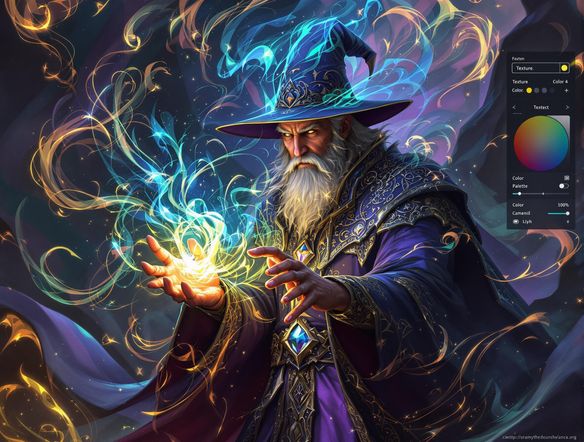
As seen in








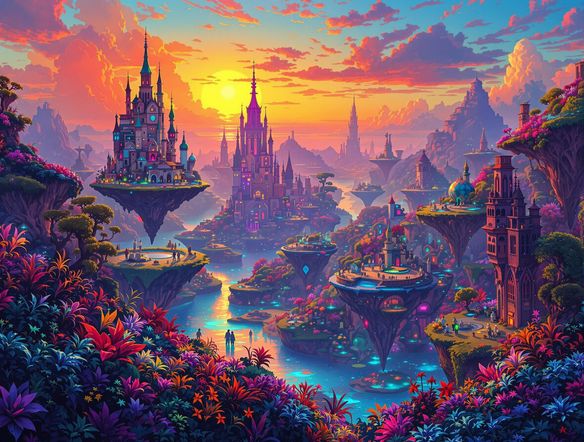
Instant Visual Inspiration
Bring your imagination to life with Magic Media! Simply type in your vision, and our AI will generate unique and stunning artwork in seconds. Explore diverse styles, from photorealistic landscapes to abstract masterpieces, and watch your creative ideas materialize instantly. Perfect for artists, designers, and anyone seeking visual inspiration.
How to Use Magic Media: AI Image Generator
Step 1
Describe Your Vision
Start by typing a detailed description of the image you want to create in the prompt box. The more specific you are, the better the AI can bring your vision to life. Include details about the subject, style, colors, and any other elements you want to see in the image. You can also create unique text with our canva font generator.
Step 2
Generate Your Image
Once you've crafted your perfect prompt, click the 'Generate' button. The AI will then process your request and create a unique image based on your description. This may take a few moments, so please be patient.
Step 3
Share & Download
Once the image is generated, you can download it in high-quality format. Feel free to share your creation with friends, family, or on social media. You can also use it for your personal or commercial projects.
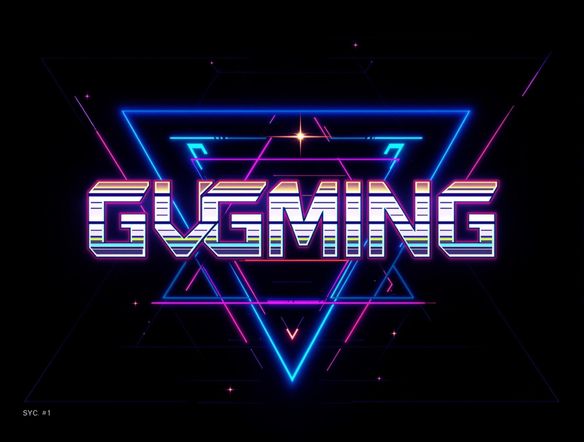
Personalize Your Message
Elevate your designs with custom typography using Magic Media's integrated canva font generator! Craft unique text styles that perfectly complement your visuals. Experiment with various fonts, sizes, and effects to create eye-catching graphics for social media, marketing materials, or personal projects. Make your message stand out with personalized text designs.
Need inspiration?
Check out some of the top creations made by the NightCafe community.







Related Tools
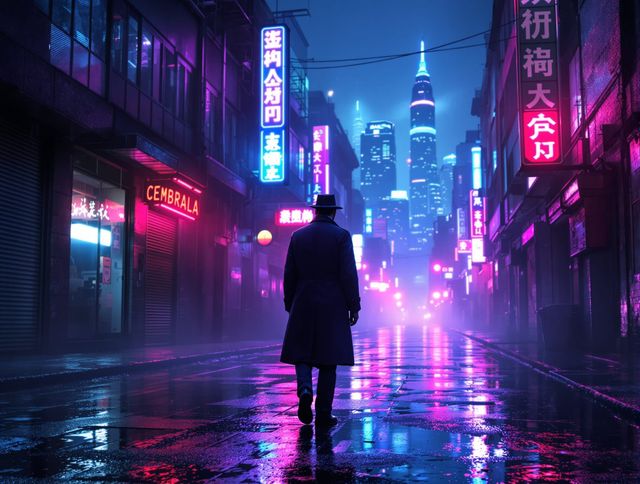
Neon Cyber Noir Generator
Dive into the shadows with our Neon Cyber Noir AI generator. Craft striking cyberpunk noir visuals, perfect for artists and storytellers seeking atmospheric, futuristic art.
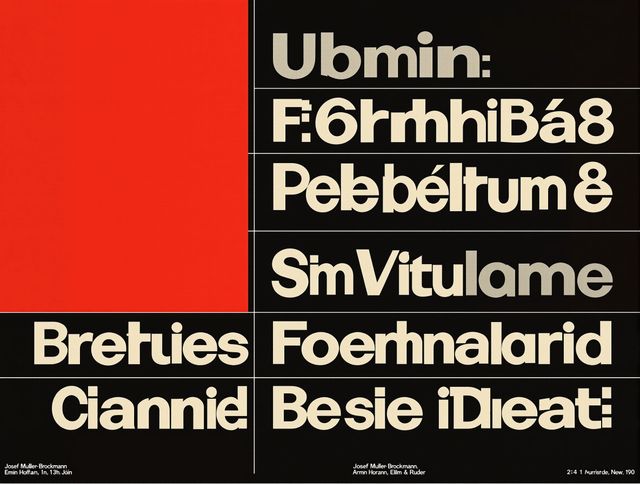
Swiss Style Graphic Generator
Effortlessly create striking Swiss Style graphic design with our AI generator. Ideal for posters, layouts, and branding, it's your go-to International Typographic Style generator.
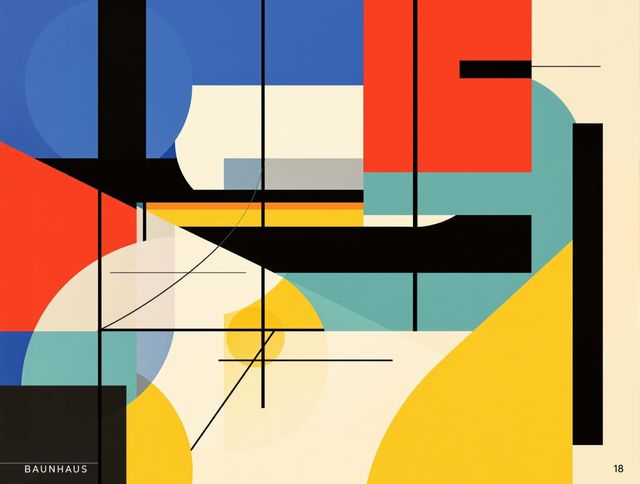
Bauhaus Poster Design Generator
Explore the iconic Bauhaus aesthetic with our AI Bauhaus design tool. Effortlessly generate unique Bauhaus posters, combining geometric shapes and bold colors for striking visual impact.
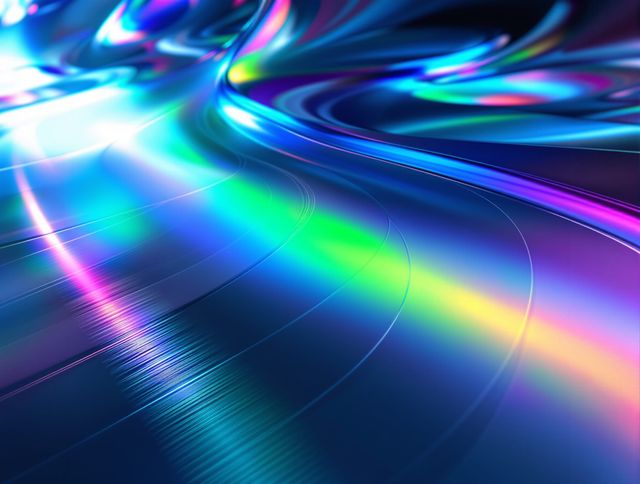
Holographic Gloss Finish Generator
Instantly apply a stunning holographic gloss finish to your designs. Our AI-powered holographic effect generator creates vibrant, eye-catching visuals with a professional glossy finish.
Frequently Asked Questions
Frequently Asked Questions About Magic Media: AI Image Generator
How does the Magic Media AI Image Generator work?
Magic Media uses advanced AI models to generate images and text from your text prompts. Simply describe what you want to create, and our AI will generate unique visuals based on your input. Experiment with different descriptions to achieve the desired result. You can also use our integrated Canva font generator to design unique text to complement your visuals.
How can I improve the quality of the images generated by the AI?
The quality of the generated image depends on the clarity and detail of your prompt. Be specific about the subject, style, colors, and composition you want to see. Experiment with different keywords and phrases to fine-tune the results. Also, consider using a higher number of creations or longer runtime to improve the final image.
Can I use the images I create with Magic Media for commercial purposes?
Yes, you can use the AI-generated images for a variety of purposes, including social media, marketing materials, personal projects, and more. Please adhere to our terms of service regarding usage rights and content guidelines. Be sure to also review the terms of service for the specific AI model used.
What kind of art styles can I create with the AI Image Generator?
The Magic Media AI Image Generator supports a wide range of styles, from photorealistic to abstract. You can specify the desired style in your prompt. Experiment with keywords like 'photorealistic,' 'painting,' 'sketch,' 'cyberpunk,' 'fantasy,' and more to explore different artistic styles.
How do I use the Canva font generator to create custom text?
The Canva font generator allows you to create unique text styles that perfectly complement your visuals. You can experiment with various fonts, sizes, colors, and effects to create eye-catching graphics. Use it to add titles, captions, or other text elements to your AI-generated images.