

Motion Blur Photography Generator
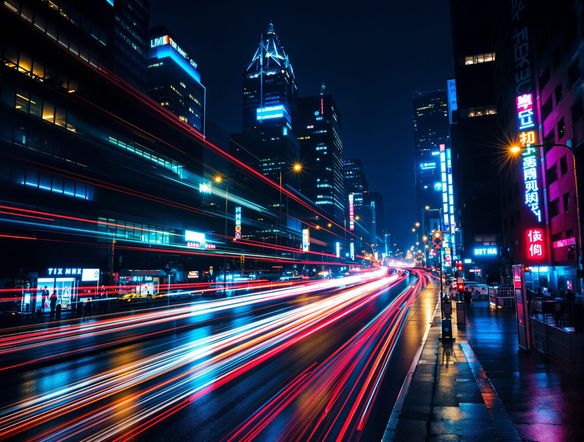
Create stunning motion blur photography with our AI tool. Effortlessly add an AI motion blur effect to your images for dynamic and artistic results, transforming ordinary shots into captivating visuals.
No payment or credit card required.
As seen in








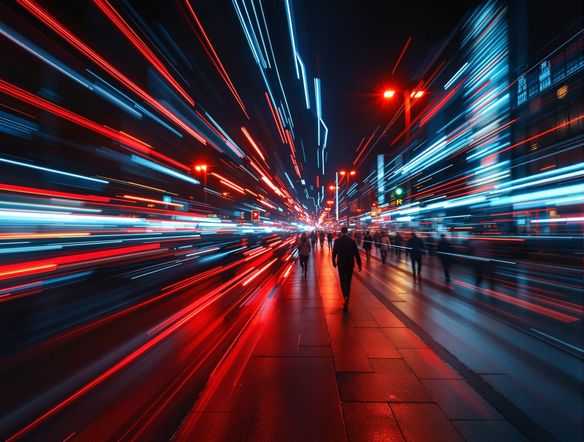
Effortless Long Exposure
Capture The Essence Of Movement
Transform your static images into dynamic masterpieces with our AI long exposure photography tool. Effortlessly generate photos with motion blur, capturing the ephemeral beauty of moving subjects and creating a sense of depth and narrative. Perfect for photographers looking to add a professional, artistic touch to their work.
Create Dynamic Motion Blur Photos
Step 1
Describe Your Motion Blur Vision
Start by uploading the image you wish to transform. In the prompt box, describe the type of motion blur you want to achieve. Be specific about the direction, intensity, and style of the blur (e.g., "long exposure effect with light trails," "fast-moving subject with motion trails," "wind-swept trees").
Step 2
Generate Your Motion Blur Image
Once your image is uploaded and your prompt is ready, click the "Generate Motion Blur" button. Our AI will analyze your image and prompt to create a captivating motion blur effect.
Step 3
Download or Share Your Masterpiece
After the generation is complete, review your new motion blur photograph. You can download the image in high resolution or share it with friends and on social media to showcase your dynamic creation.
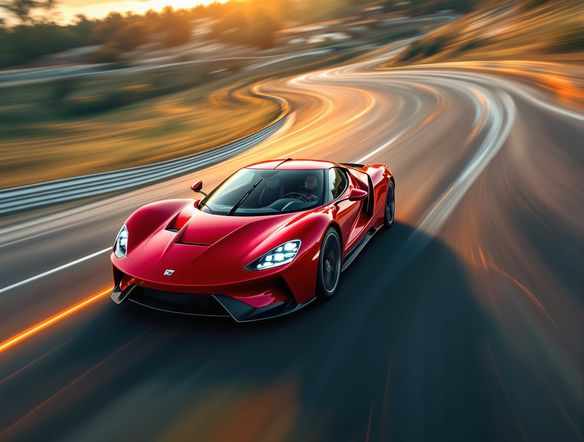
Unleash Visual Velocity
Dynamic Speed And Energy
Add exhilarating speed and energy to your visuals with our digital motion trails generator. This tool transforms ordinary photos into dynamic compositions, applying a convincing speed effect photo generator output that conveys motion and excitement. Ideal for sports, action shots, or any image that needs a burst of dynamism.
Need inspiration?
Check out some of the top creations made by the NightCafe community.







Related Tools
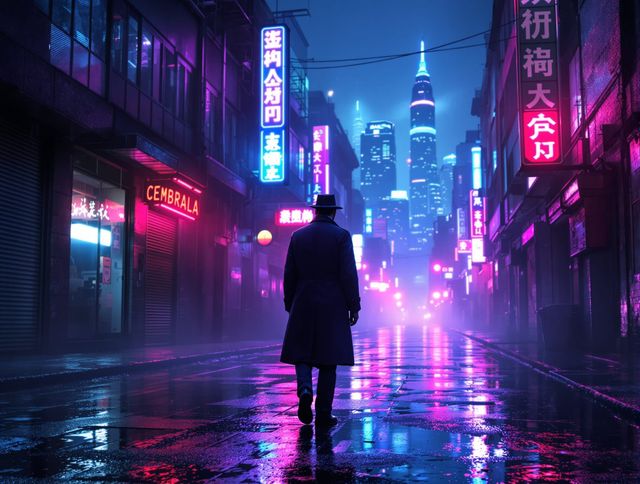
Neon Cyber Noir Generator
Dive into the shadows with our Neon Cyber Noir AI generator. Craft striking cyberpunk noir visuals, perfect for artists and storytellers seeking atmospheric, futuristic art.
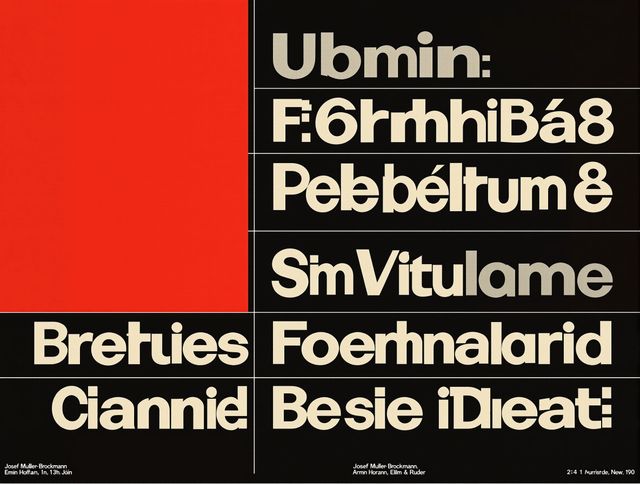
Swiss Style Graphic Generator
Effortlessly create striking Swiss Style graphic design with our AI generator. Ideal for posters, layouts, and branding, it's your go-to International Typographic Style generator.
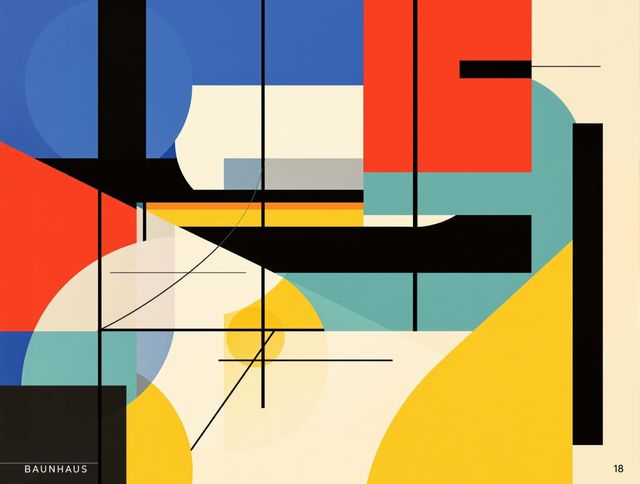
Bauhaus Poster Design Generator
Explore the iconic Bauhaus aesthetic with our AI Bauhaus design tool. Effortlessly generate unique Bauhaus posters, combining geometric shapes and bold colors for striking visual impact.
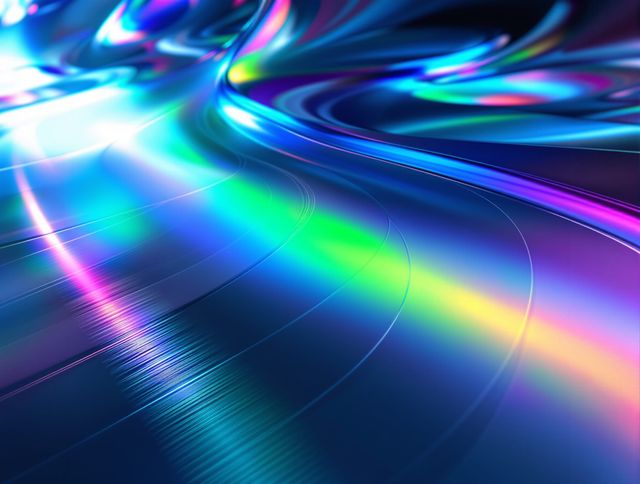
Holographic Gloss Finish Generator
Instantly apply a stunning holographic gloss finish to your designs. Our AI-powered holographic effect generator creates vibrant, eye-catching visuals with a professional glossy finish.
Frequently Asked Questions
Frequently Asked Questions about the AI Motion Blur Photography Generator
How does the AI Motion Blur Photography Generator work?
Our AI Motion Blur Photography Generator analyzes your uploaded image and intelligently applies a motion blur effect. You can adjust parameters to control the intensity and direction of the blur, mimicking techniques like long exposure or digital speed trails to add dynamism and artistic flair.
What types of images are best suited for the motion blur effect?
This tool is excellent for adding motion blur to a wide variety of images. It's particularly effective for action shots, sports photography, capturing moving vehicles, or any scene where you want to convey speed, energy, or a sense of movement and narrative. Even static scenes can be transformed into artistic compositions with added motion trails.
Can I customize the motion blur effect?
Yes, you can customize the motion blur effect. Our tool allows you to adjust the intensity of the blur, the direction in which it appears to be moving, and even the style of the motion trails. This gives you fine-grained control to achieve the exact artistic outcome you desire.
Will the AI motion blur effect look natural?
Our AI is trained on vast datasets of real-world photography, including long exposure and motion blur techniques. The generator aims to produce natural-looking motion blur effects that enhance your image's dynamism without appearing artificial. Experiment with the settings to find the perfect balance for your specific photo.