

Phone Generator
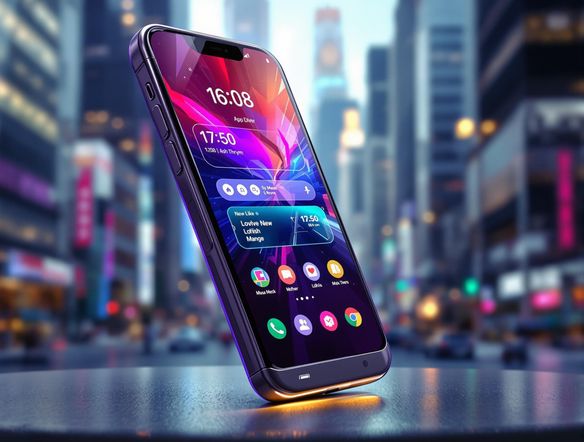
Create realistic phone mockups with our AI Phone Generator. Perfect for showcasing app designs or visualizing mobile experiences. Use it in conjunction with our ai story generator or story generator for compelling content.
No payment or credit card required.
As seen in








Elevate Your Marketing
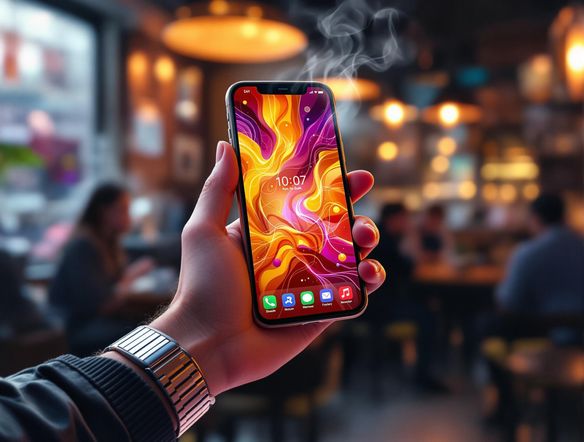
Showcase your app in action! Generate realistic phone mockups to integrate with your social media campaigns. Use the generated images alongside content from our AI story generator free tool to craft compelling narratives around your app, driving engagement and downloads. Elevate your marketing with AI-powered visuals.
Create Realistic Phone Mockups With AI
Step 1
Input Your Mockup Vision
Start by entering a detailed prompt describing the phone mockup you envision. Include details about the phone model, the app displayed on the screen, the environment, and the desired style. The more specific your prompt, the better the AI can capture your vision.
Step 2
Generate Your Phone Mockup
After crafting your perfect prompt, click the 'Generate' button. Our AI will process your request and create a realistic phone mockup based on your specifications. This may take a few moments, so please be patient.
Step 3
Download and Share Your Mockup
Once your mockup is generated, you can download it in high resolution for use in your marketing materials, presentations, or social media campaigns. Share your creations with the NightCafe community to inspire others!
Dynamic Presentations
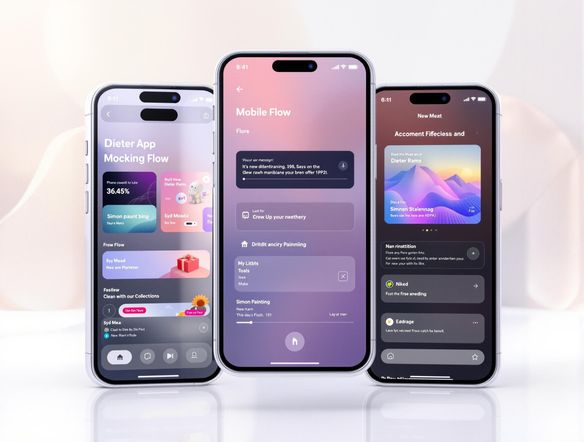
Visualize user experiences effortlessly. Craft realistic phone mockups to demonstrate app flows and features. Combine your mockups with narratives from our free ai story generator to create compelling case studies that highlight the benefits of your app. Transform static designs into dynamic presentations with our story ai generator.
Need inspiration?
Check out some of the top creations made by the NightCafe community.







Related Tools
Laptop Mockup Generator
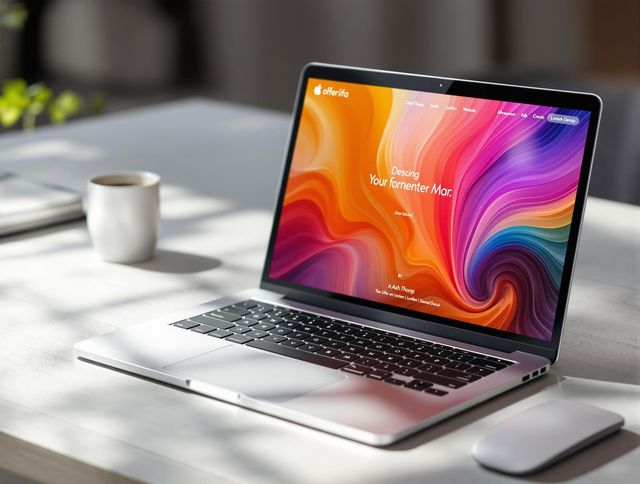
Showcase your designs with our Laptop Mockup Generator. Perfect for presenting your website, app, or minimalist logo generator creations in a professional and realistic setting.
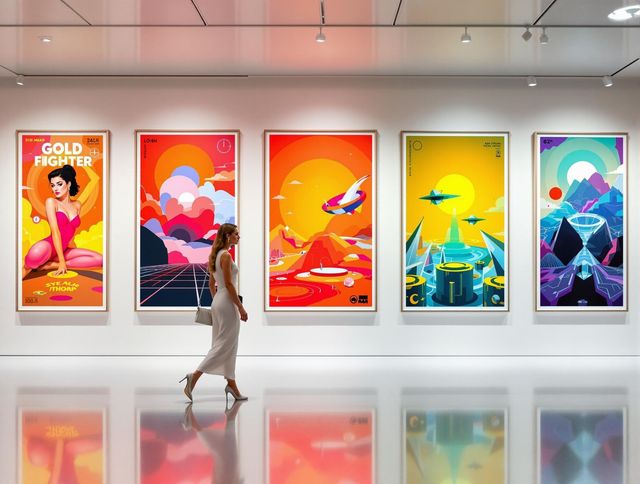
Poster Mockup Generator
Visualize your poster designs with our Poster Mockup Generator. Easily test different picture frame layout generator options and picture frame arrangement generator settings to achieve the perfect look.
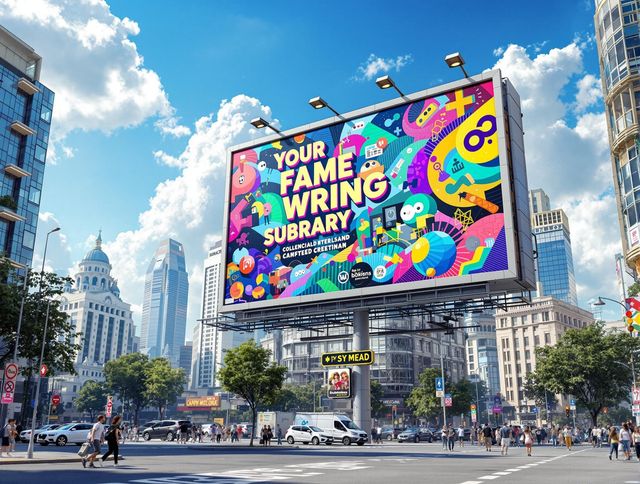
Billboard Mockup Generator
Design eye-catching ads with our Billboard Mockup Generator. As a bonus, try our greetings from postcard generator and vintage postcard font generator for unique marketing!
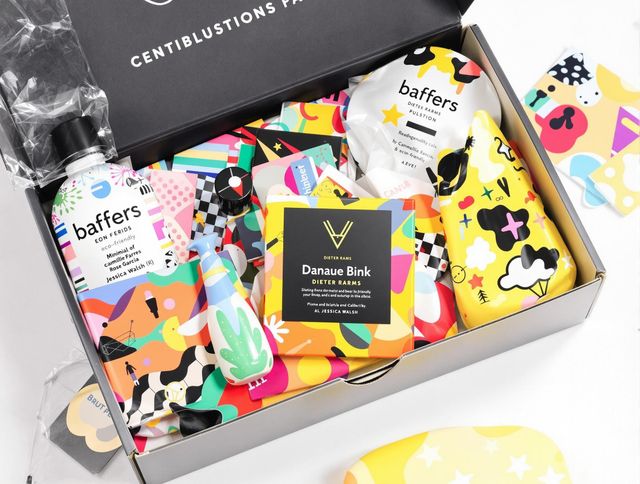
AI Packaging Design Generator
Design eye-catching packaging with our AI Packaging Design Generator. Ideal for branding and product presentation, and even creating a school logo generator or distinctive school crest generator.
Frequently Asked Questions
Frequently Asked Questions About Generating Realistic Phone Mockups with AI
What is the AI Phone Generator, and what can it do?
Our AI Phone Generator creates photorealistic images of phones displaying your app or design. It's perfect for showcasing your work in marketing materials, presentations, or app store listings. Simply provide a screenshot or visual of your app, and our AI will generate a high-quality phone mockup.
How do I get the best results from the AI Phone Generator?
To get the best results, provide a clear, high-resolution screenshot or image of your app. Consider the context in which the mockup will be used and choose a phone style and background that complements your design. Experiment with different prompts and styles to achieve the desired aesthetic.
Can I use the AI-generated phone mockups for commercial purposes?
Absolutely! You can use the generated phone mockups for various commercial purposes, including marketing campaigns, app store visuals, website displays, and presentations. Enhance your marketing by pairing the visuals with content from our AI story generator to create compelling narratives around your app.
What customization options are available for the phone mockups?
The AI Phone Generator allows you to customize the phone model, background, and overall style of the mockup. While the level of customization may vary, you can often adjust parameters to match your brand and design preferences. Experiment with different options to achieve the perfect look for your app presentation.
What should I do if I'm not happy with the generated phone mockup?
If you encounter any issues, first ensure that your input image meets the recommended specifications (e.g., resolution, format). If problems persist, try using a different prompt or style. As with all AI tools, the output may vary, so experiment with different settings to achieve the desired result. For further assistance, consult our help documentation or contact our support team.