

Retro Game Art Generator
Unleash your inner pixel artist with our AI Retro Game Art Generator. This AI retro game creator transforms your ideas into nostalgic 8-bit and 16-bit game art, perfect for indie developers and fans.
No payment or credit card required.
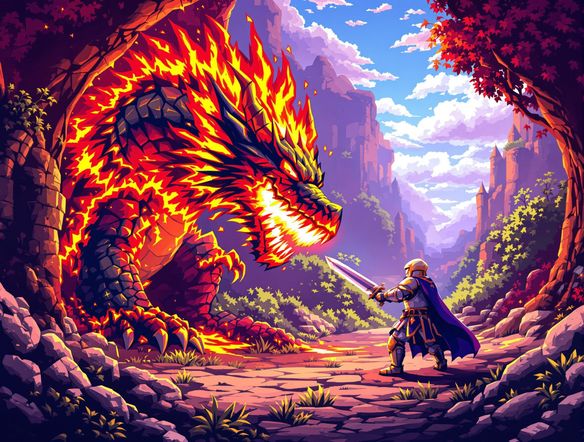
As seen in








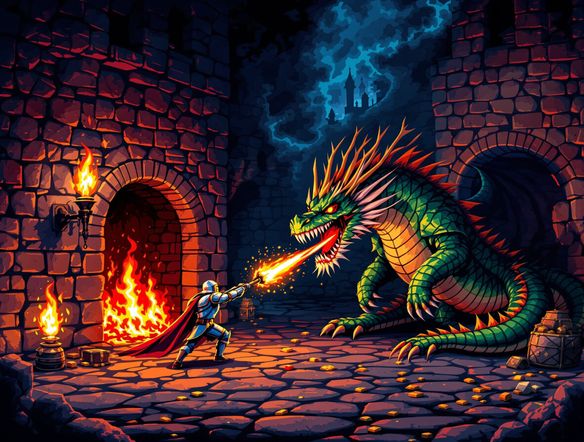
Nostalgia At Your Fingertips
Craft Authentic 8-bit Worlds
Dive into the golden age of gaming with our AI that understands the essence of vintage video game style. Effortlessly generate 8-bit art that captures the charm and simplicity of classic arcade and console titles, bringing your retro game concepts to vibrant, pixelated life.
Create Your Own Retro Game Art
Step 1
Describe Your Pixelated Vision
Begin by describing the retro game art you envision in the prompt box. Specify if you want 8-bit or 16-bit style, the subject matter (e.g., character, background, item), and any specific colors or themes. The more detail you provide, the closer the AI can get to your nostalgic vision.
Step 2
Generate Your Classic Graphics
Once your prompt is ready, click the "Generate" button. Our AI will process your description and create unique retro game art assets, bringing your classic game ideas to pixelated life.
Step 3
Download and Use Your Art
After the art is generated, you can download your high-resolution retro game assets. Share your creations with the community or use them directly in your game development projects!
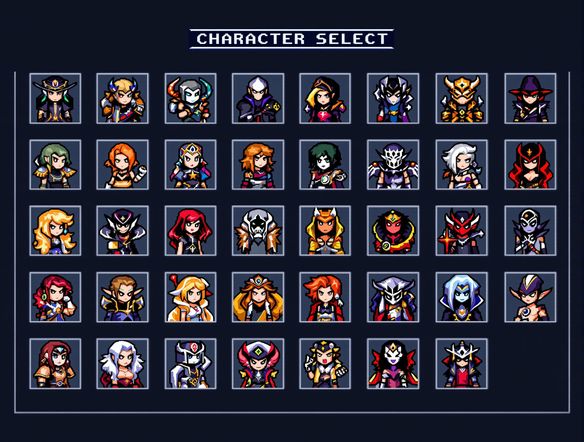
Pixel Perfection, Instantly
Elevate Your Game With 16-bit Graphics
Experience the richer detail of 16-bit era graphics with our advanced AI. This classic console graphic generator allows you to create detailed sprites, backgrounds, and assets that evoke the beloved SNES and Genesis era. Become a 16-bit pixel art maker and give your projects a professional, retro polish.
Need inspiration?
Check out some of the top creations made by the NightCafe community.







Related Tools
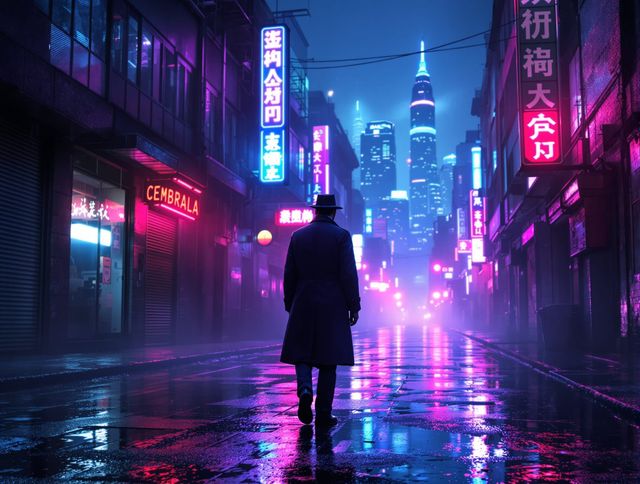
Neon Cyber Noir Generator
Dive into the shadows with our Neon Cyber Noir AI generator. Craft striking cyberpunk noir visuals, perfect for artists and storytellers seeking atmospheric, futuristic art.
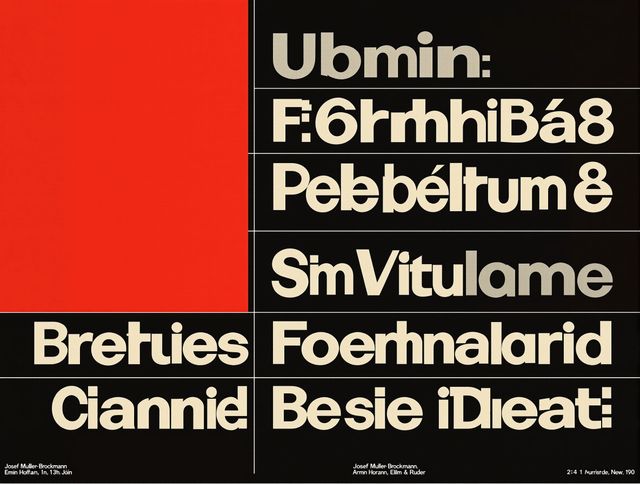
Swiss Style Graphic Generator
Effortlessly create striking Swiss Style graphic design with our AI generator. Ideal for posters, layouts, and branding, it's your go-to International Typographic Style generator.
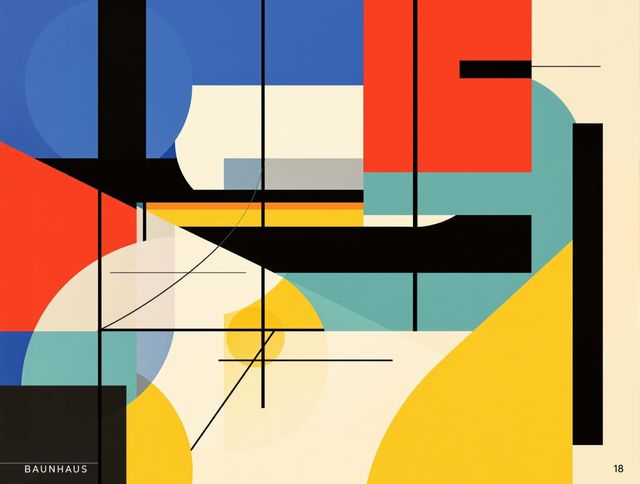
Bauhaus Poster Design Generator
Explore the iconic Bauhaus aesthetic with our AI Bauhaus design tool. Effortlessly generate unique Bauhaus posters, combining geometric shapes and bold colors for striking visual impact.
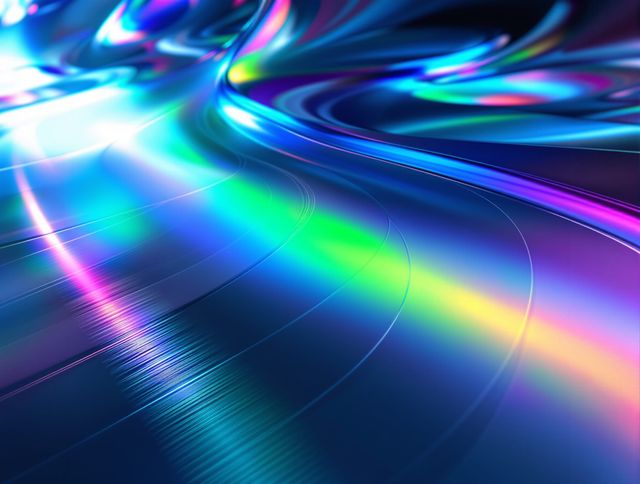
Holographic Gloss Finish Generator
Instantly apply a stunning holographic gloss finish to your designs. Our AI-powered holographic effect generator creates vibrant, eye-catching visuals with a professional glossy finish.
Frequently Asked Questions
Your Questions About the AI Retro Game Art Generator Answered
What kind of retro game art can I create with this generator?
Our AI Retro Game Art Generator is designed to create both 8-bit and 16-bit game art. You can generate everything from simple sprites and character designs to detailed backgrounds and game assets, all in a nostalgic pixel art style reminiscent of classic arcade and console games.
How do I get the best results when generating retro game art?
To achieve the best results, be specific in your prompts. Describe the character, object, or scene you want, and clearly state whether you're aiming for an '8-bit' or '16-bit' style. Mentioning specific game consoles or eras (like 'NES style' or 'SNES era') can also help the AI capture the desired aesthetic. Experiment with keywords related to pixel art, sprites, and backgrounds.
Can I use the generated retro game art for my own game projects?
Yes, the retro game art generated by NightCafe can be used for your personal and indie game projects. Please refer to our Terms of Service for detailed information regarding usage rights and any specific attribution requirements.
What's the difference between the 8-bit and 16-bit art styles the generator can produce?
The 8-bit style is characterized by simpler graphics, blockier pixels, and a more limited color palette, evoking the feel of early home consoles and arcade games. The 16-bit style offers richer detail, smoother sprites, more complex backgrounds, and a wider color range, similar to the graphics found on consoles like the Super Nintendo and Sega Genesis.