

Video Mockup Generator
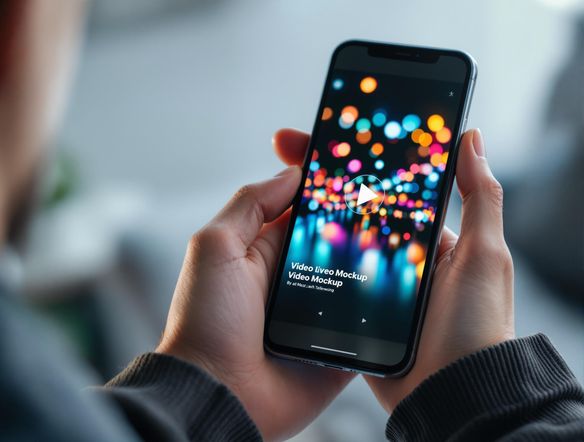
Create realistic video mockups effortlessly with our AI-powered generator. Perfect for showcasing your content, our tool also functions as a parental advisory generator and parental advisory meme generator for creative projects.
No payment or credit card required.
As seen in








Elevate Your Presentations
Mockup Video Generator
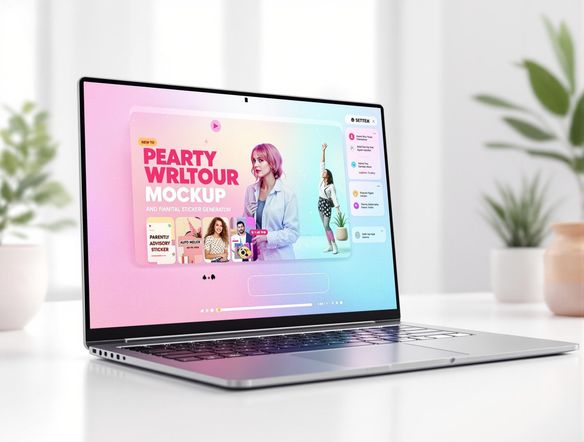
Showcase your content in realistic video mockups with ease. Our AI-powered generator also functions as a creative parental advisory album cover generator and parental advisory sticker generator. Simply upload your content and select a template to create stunning visuals for presentations, marketing materials, and social media.
Creating Stunning Video Mockups
Step 1
Describe Your Ideal Video Mockup
Start by entering a detailed description of the video mockup you envision in the prompt box. Be specific about the scene, the devices you want to feature (e.g., smartphone, laptop), and the overall aesthetic. For creative projects, describe your vision for a parental advisory design or meme.
Step 2
Generate Your Video Mockup
After crafting your perfect prompt, click the “Generate” button. Our AI will spring into action, creating a realistic video mockup based on your specifications. If you're generating a parental advisory design or meme, the AI will creatively interpret your prompt to deliver a unique result.
Step 3
Download and Share Your Video Mockup
Once your video mockup is generated, you can download it in high quality to use in presentations, marketing materials, or social media. Share your creations with the NightCafe community to get feedback and inspiration from fellow creators!
Memes And More
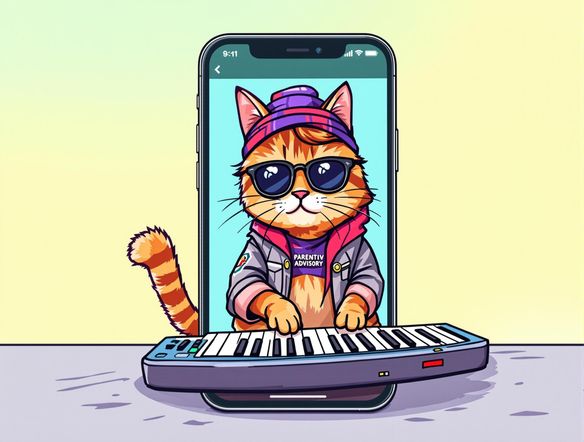
Transform ordinary videos into viral sensations with our AI-driven mockup generator. Beyond realistic displays, it serves as a parental advisory album cover meme generator and parental advisory logo generator. Perfect for adding humor or a unique spin to your content, making it stand out and grab attention.
Need inspiration?
Check out some of the top creations made by the NightCafe community.







Related Tools
Laptop Mockup Generator
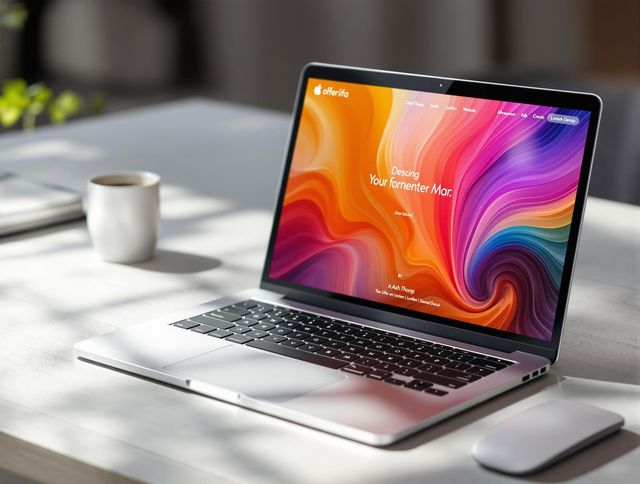
Showcase your designs with our Laptop Mockup Generator. Perfect for presenting your website, app, or minimalist logo generator creations in a professional and realistic setting.
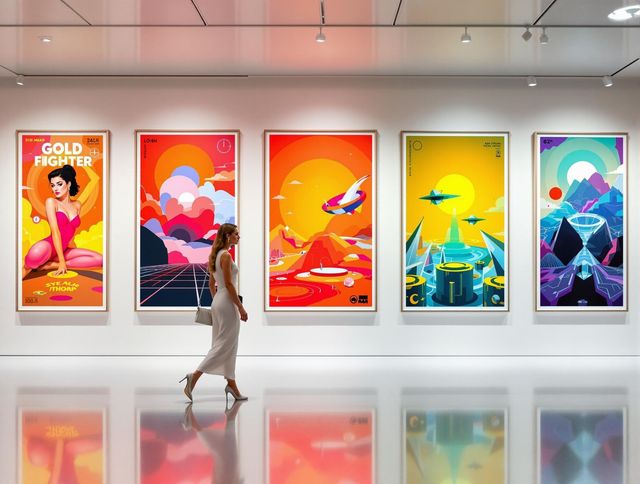
Poster Mockup Generator
Visualize your poster designs with our Poster Mockup Generator. Easily test different picture frame layout generator options and picture frame arrangement generator settings to achieve the perfect look.
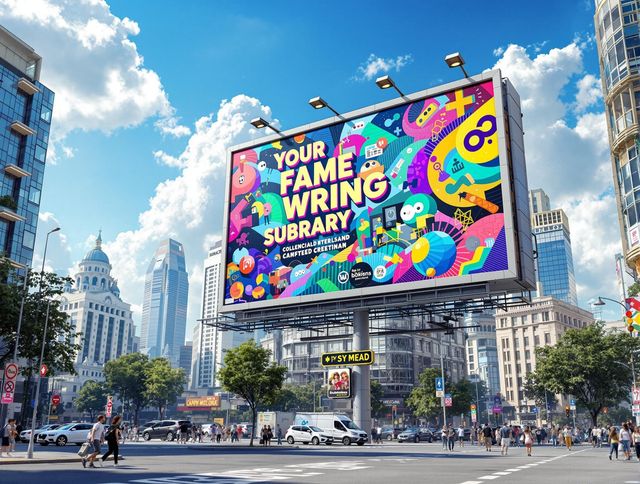
Billboard Mockup Generator
Design eye-catching ads with our Billboard Mockup Generator. As a bonus, try our greetings from postcard generator and vintage postcard font generator for unique marketing!
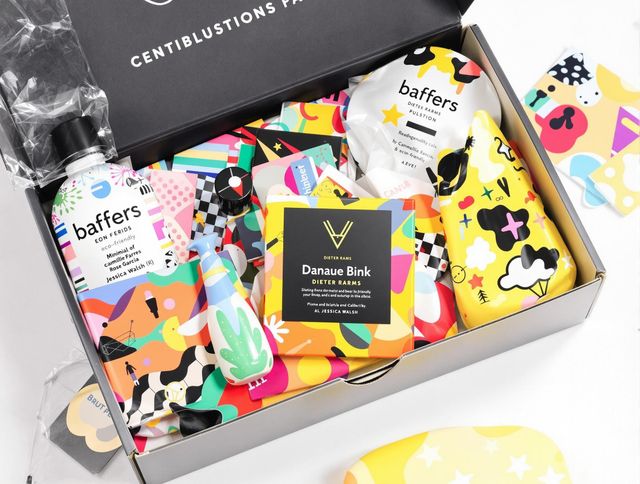
AI Packaging Design Generator
Design eye-catching packaging with our AI Packaging Design Generator. Ideal for branding and product presentation, and even creating a school logo generator or distinctive school crest generator.
Frequently Asked Questions
Everything You Need to Know About Generating Video Mockups with AI
What can I do with the AI Video Mockup Generator?
Our AI Video Mockup Generator allows you to create realistic video mockups for showcasing your content in engaging ways. You can also use it creatively as a parental advisory generator for album covers or memes.
How do I use the AI Video Mockup Generator?
Simply upload your video or image, select a mockup template, and let our AI generate a realistic video mockup. You can customize the appearance and add text or other elements to personalize your mockup. For parental advisory labels, input the desired text and style.
Can I use the video mockups I generate for commercial purposes?
Yes, you can use the generated video mockups for commercial purposes, such as marketing materials, presentations, and social media promotions. However, you must adhere to our terms of service regarding the use of AI-generated content.
How can I ensure the best quality for my generated video mockups?
The quality of the generated video mockup depends on the quality of the input video or image and the selected template. For best results, use high-resolution content and choose a template that complements your video or image. Experiment with different styles and prompts to achieve the desired outcome.
What if the generated video mockup doesn't look realistic or has errors?
While our AI strives to create realistic video mockups, occasional imperfections may occur. If you encounter any issues, try adjusting the input content, selecting a different template, or regenerating the mockup. You can also contact our support team for assistance.