

- Galleries
- Hummingbird Drawing Gallery
AI Hummingbird Drawing Generator
Create stunning hummingbird drawings with AI. Our AI Hummingbird Drawing Generator transforms your ideas into unique art. Explore the gallery or create your own hummingbird masterpiece.

As seen in








Hummingbird Drawing Gallery
Explore a curated collection of AI-generated hummingbird drawings, showcasing various styles and artistic interpretations. Find inspiration for your next creative project.


Didn't find what you were looking for? Create your own below!
Create your own AI Hummingbird Drawing Generator images
Discover the magic of Text to Image AI by creating your own unique images. Edit the prompt below to customize your creation.
No payment or credit card required.

Artistically Unique And Stunning
Create A Hummingbird Drawing
Effortlessly bring your vision to life with our AI Hummingbird Drawing generator. Transform your imagination into a beautiful Hummingbird Drawing with just a few clicks. Experiment with various styles and prompts to create unique and captivating hummingbird art.
Create Your Hummingbird Drawing
Step 1
Describe Your Vision
Start by entering a detailed description of your desired hummingbird drawing in the prompt box. Specify the pose, background, art style (e.g., realistic, cartoonish, watercolor), and any other elements you'd like to include. The more details you provide, the better the AI can bring your vision to life!
Step 2
Generate Your Hummingbird Art
Once you've crafted your perfect prompt, click the 'Generate' button. Our AI will then process your request and create a unique hummingbird drawing based on your input. This might take a few moments, so sit back and watch the magic happen!
Step 3
Share Your Masterpiece
Once your hummingbird drawing is generated, you can download it in high resolution and share it with the world! Showcase your creation on social media, use it as inspiration for your own artwork, or simply admire the beauty of AI-generated art. You can also share your creation with the NightCafe community and get feedback from fellow creators!

Unlock Artistic Potential
Create A Detailed Hummingbird Sketch With AI
Create a Detailed Hummingbird Sketch with AI using our advanced AI algorithms. Produce intricate and lifelike hummingbird sketches with ease. Perfect for artists, designers, and hobbyists seeking inspiration or a starting point for their next masterpiece. Refine and iterate to achieve the perfect result.
More Galleries
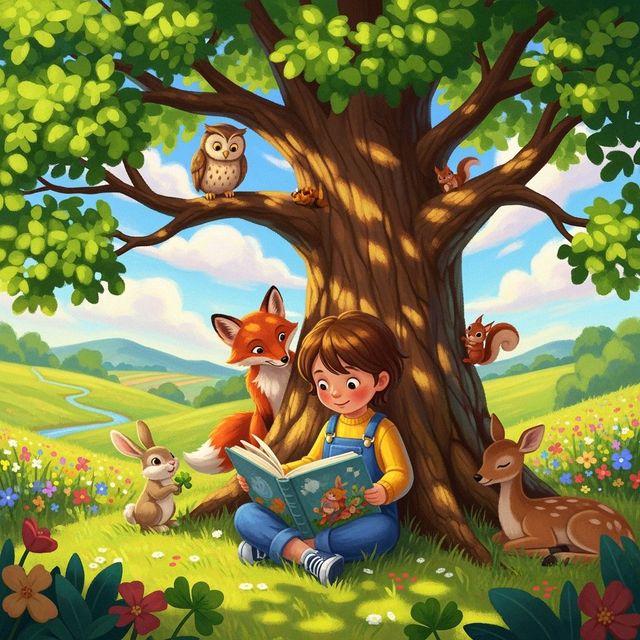
Create Picture Book Illustrations with AI
Create imaginative picture book illustrations with NightCafe AI. Whether you're an author or artist, bring your stories to life with AI-generated art. Explore our gallery or create your own picture book art.
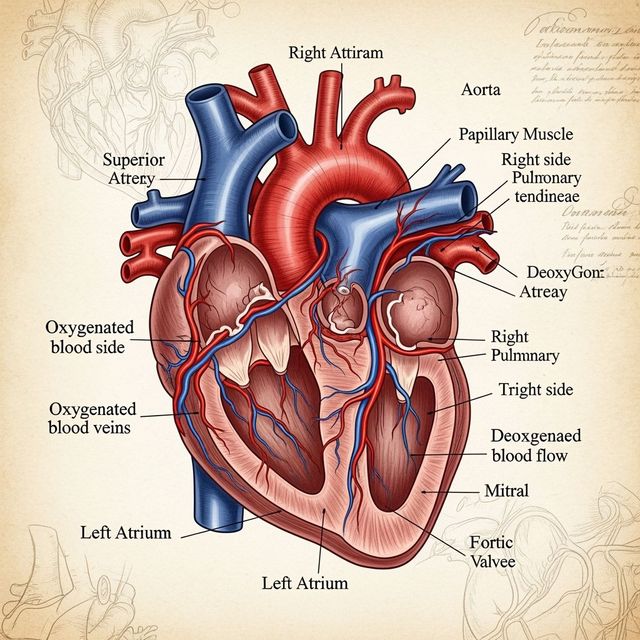
Human Heart Drawing Gallery
Explore our Human Heart Drawing Gallery. A collection of striking AI-generated images, showcasing detailed and artistic interpretations of the human heart. Perfect for medical professionals, students, and art enthusiasts.
Create Custom Money Wallpaper With AI
Transform your digital space with stunning, AI-generated money wallpaper. Explore our gallery for inspiration or create your own custom designs to reflect your financial goals and aspirations.
Create Aesthetic Fall Wallpaper With AI
Transform your phone or desktop with our Aesthetic Fall Wallpaper Generator. Capture the essence of autumn with stunning, personalized wallpapers. Browse aesthetic fall wallpaper or create your own.
Frequently Asked Questions
Frequently Asked Questions About Generating Hummingbird Drawings with AI
What kind of hummingbird drawings can I create with the AI generator?
You can generate a wide variety of hummingbird drawings, from realistic sketches to stylized illustrations. Experiment with different prompts to explore various poses, environments, and artistic styles. Consider specifying details like 'watercolor hummingbird,' 'hummingbird in flight,' or 'hummingbird with hibiscus flower' to guide the AI.
How detailed can the AI hummingbird drawings be?
The level of detail depends on the AI model used and the complexity of your prompt. Some models excel at creating intricate details, while others produce more abstract or stylized results. Try using terms like 'highly detailed,' 'intricate,' or 'photorealistic' in your prompt to encourage greater detail in the generated image.
Can I use the generated hummingbird drawings for commercial purposes?
Yes, you can generally use the hummingbird drawings you generate for commercial purposes, such as in your designs or artwork. However, it's essential to be aware of the terms of service, as well as our refund, tos or privacy policy, which govern the use of images created on NightCafe.
What are some tips for writing effective prompts for hummingbird drawings?
Be specific and descriptive in your prompts. Include details about the hummingbird's pose, the surrounding environment, the desired art style, and any specific colors or elements you want to see. For example, instead of just 'hummingbird drawing,' try 'detailed hummingbird sketch, hovering near a red flower, soft lighting, realistic style.'
What if I'm not happy with the first hummingbird drawing the AI generates?
That's perfectly normal! AI art generation often requires some experimentation. Try refining your prompt, adjusting the settings, or using a different AI model. You can also iterate on existing images by using them as a starting point for further generations. Don't be afraid to try different approaches until you achieve the desired result.