

- Galleries
- Watercolor Art Gallery
AI-Generated Watercolor Art
Explore the delicate beauty of AI-generated watercolor art. Our advanced AI brings the fluid, translucent qualities of watercolor painting to the digital realm. Browse stunning examples and create your own unique pieces.

As seen in








Watercolor Art Gallery
A curated collection of AI-generated watercolor art, showcasing diverse subjects and techniques. From landscapes to portraits, discover the endless possibilities of AI-assisted watercolor painting.


Didn't find what you were looking for? Create your own below!
Create your own AI-Generated Watercolor Art images
Discover the magic of Text to Image AI by creating your own unique images. Edit the prompt below to customize your creation.
No payment or credit card required.

Discover Digital Watercolors
Explore AI Watercolor Art
Dive into the world of AI Watercolor Art. Witness the magic of algorithms recreating the fluid beauty of traditional watercolor paintings. Explore captivating landscapes, portraits, and abstract designs, all rendered with the unique charm and delicate washes of watercolor.
Create Stunning Watercolor Art with AI
Step 1
Input Your Artistic Vision
Describe the watercolor art you envision in the prompt box. Specify the subject (e.g., landscape, portrait), style (e.g., realistic, abstract), and color palette. The more detail you provide, the better the AI can capture your vision.
Step 2
Generate Your Watercolor Masterpiece
Once you've crafted your perfect prompt, click the 'Generate' button. Our AI will then process your request and create a unique watercolor artwork based on your specifications. This may take a few moments, so please be patient.
Step 3
Download & Share Your Artwork
After your artwork is generated, you can download it in high resolution to use as you wish. You can also share it with the NightCafe community to showcase your creation and receive feedback from other artists.

Learn New Techniques
Mastering Watercolor Painting Techniques With AI
Unlock the secrets of Mastering Watercolor Painting Techniques with AI. Experiment with blending, layering, and glazing—all without the mess. Our AI models emulate traditional methods, offering a risk-free environment to perfect your digital watercolor skills. Refine your digital artwork with AI powered tools.
More Galleries
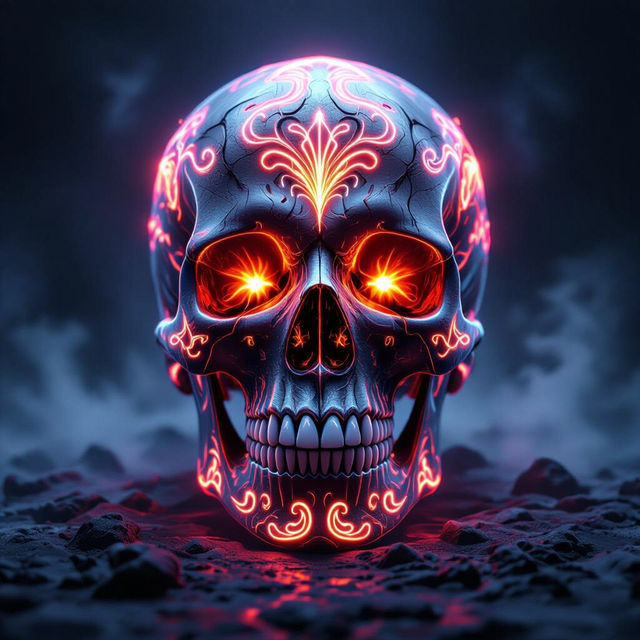
Generate Striking Skull Art
Unleash your creativity with our AI Skull Art Generator. Transform simple prompts into intricate and captivating designs. Explore skull art examples or create your own masterpiece today.
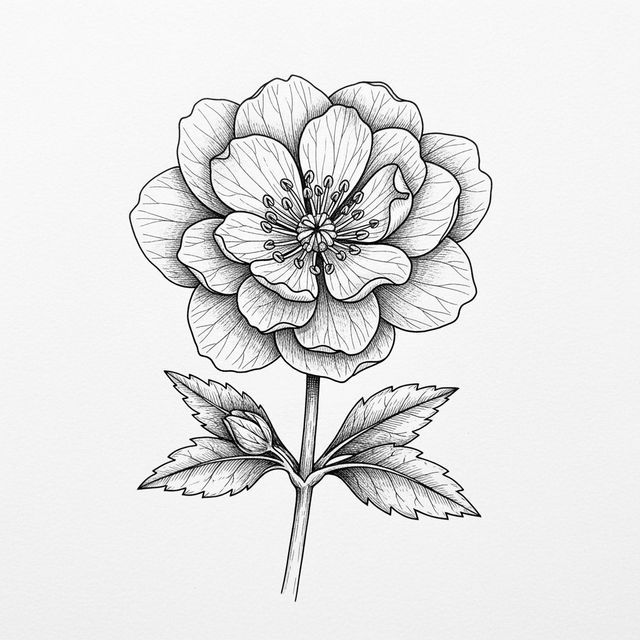
Explore the Beauty of Flower Sketch Art
Delve into the delicate world of flower sketches. Our gallery showcases the intricate details and artistic interpretations of floral designs. Browse our collection and get inspired to create your own flower sketch.
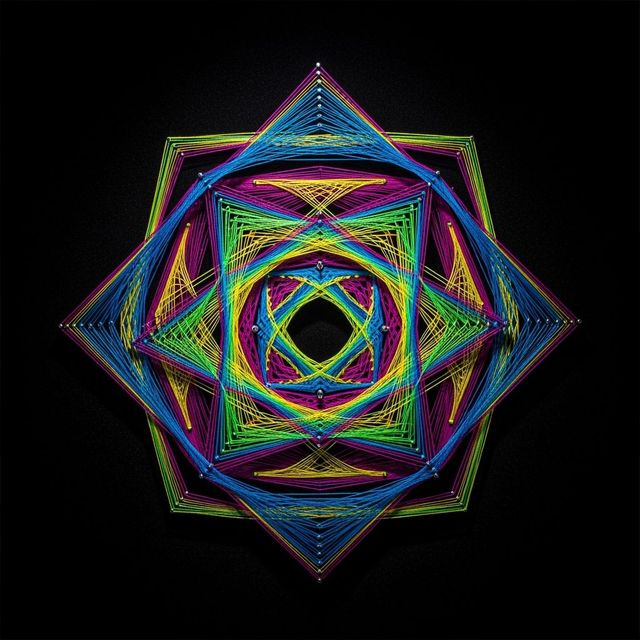
Create Stunning String Art with AI
Unleash your creativity with our AI String Art Generator. Create mesmerizing designs and patterns with ease. Explore the possibilities of AI-driven string art today. Browse string art examples or create your own.
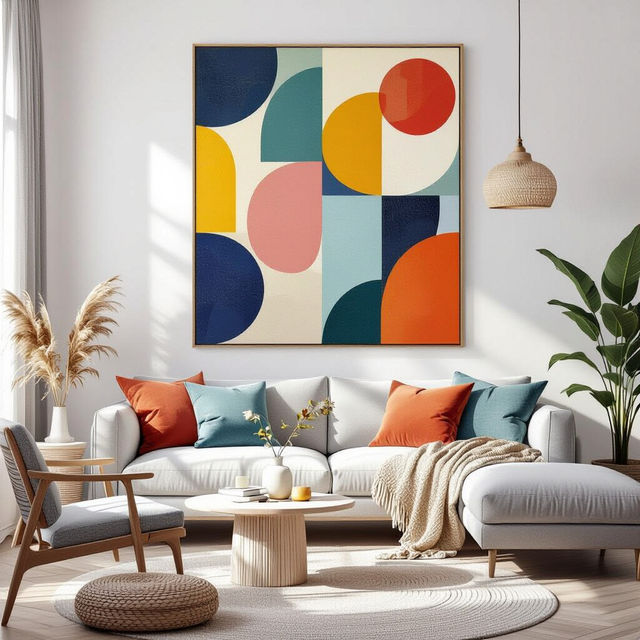
AI Canvas Wall Art Generator
Transform your space with NightCafe's AI Canvas Wall Art generator. Create unique and personalized wall art that reflects your style. Explore our gallery or create your own canvas masterpiece today.
Frequently Asked Questions
Everything You Need to Know About AI-Generated Watercolor Art
What is AI-generated watercolor art?
AI-generated watercolor art uses artificial intelligence to create images that mimic the appearance of traditional watercolor paintings. Our AI models are trained on vast datasets of watercolor art, allowing them to produce images with realistic washes, blends, and textures.
How can I create my own AI watercolor art?
You can create your own AI watercolor art by providing a text prompt to our AI image generator. Describe the scene, subject, and style you want to see in your artwork. Experiment with different prompts to achieve unique and beautiful results. Try including terms like 'delicate washes', 'soft colors', or 'watercolor texture' to enhance the watercolor effect. You can also specify an AI model like Stable Diffusion for more control.
What are some tips for creating effective prompts for AI watercolor art?
To create effective prompts, be specific about the subject, composition, and desired mood. Use descriptive language to convey the watercolor style you envision. For example, instead of 'landscape,' try 'a serene landscape with soft, muted colors and delicate watercolor washes.' Experiment with different keywords and phrases to refine your results.
Can I use AI watercolor art for commercial purposes?
Yes, you can use AI watercolor art generated on NightCafe for commercial purposes. This includes using the images for branding, advertising, or selling them as prints. Please remember to adhere to our terms of service.
What if I'm not happy with the AI-generated watercolor art?
If you're not satisfied with the initial results, try refining your prompt and generating new variations. Experiment with different AI models and settings to achieve the desired effect. You can also use image editing tools to further enhance and customize your AI-generated artwork. Consider using the 'Evolve' feature to generate similar images from your initial result.